Product showcase: GuardOS checks QR links, scans for data breaches, and filters Safari content
GuardOS for iPhone bundles Safari filtering, breach lookups, QR-link checks, and photo storage cleanup.
Help Net Security reviews GuardOS, an iPhone app that bundles device checks, a VPN, Safari content filtering, QR-link scanning, password generation, and photo-library cleanup. Web protection toggles cover ads, cookie prompts, tracking, and adult and gambling content, and they apply in Safari. Breach Check searches an email against known breaches; the reviewer's lookup returned four matches with services, dates, and exposed-data categories. The QR scanner displays a destination and a threat result without opening the link automatically.
- GuardOS is an App Store iPhone app combining several consumer security utilities.
- Safari filters can block ads, cookie prompts, tracking, and adult or gambling content.
- Breach Check looks up an email and lists matching breaches, dates, and exposed data types.
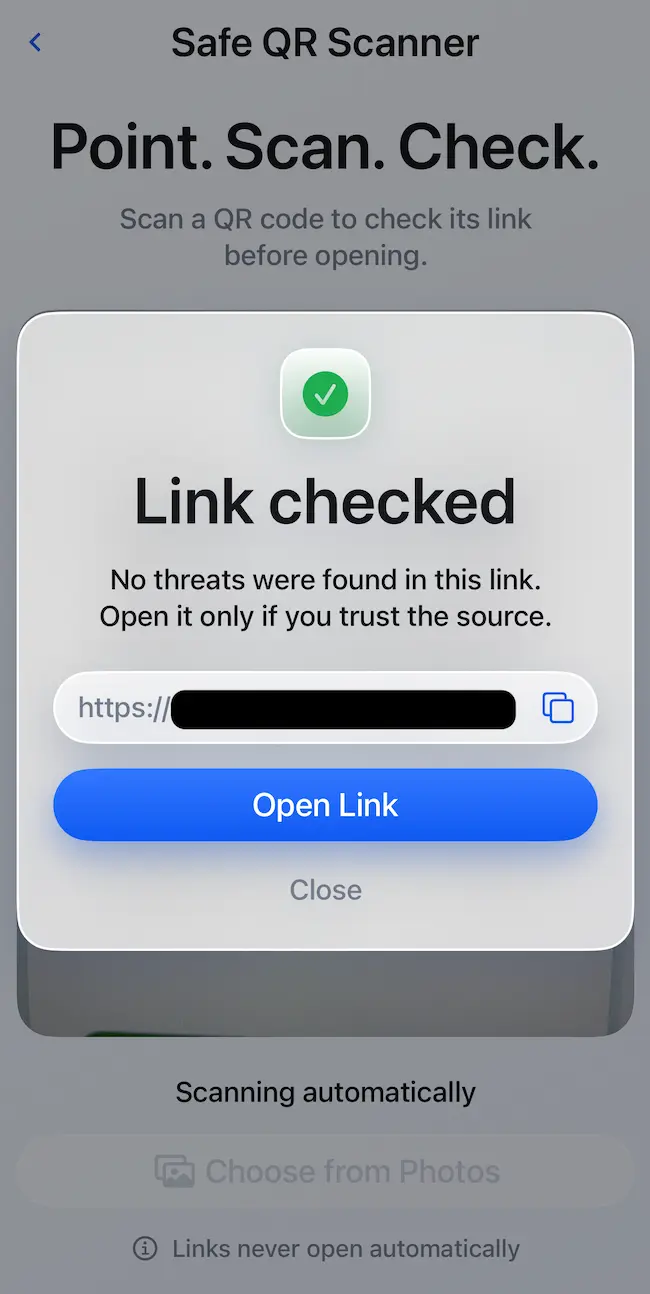
- The QR scanner shows the destination URL and does not open links automatically.
Full article355 words · extracted from helpnetsecurity.com · click to collapse
GuardOS is an iPhone application that combines device security checks, VPN access, Safari content filtering, QR link scanning, and storage cleanup. It is available through the App Store.
Getting started
The home dashboard organizes tools into individual tiles, making each function accessible without navigating through multiple menus. During my walkthrough, it flagged one issue: Web Protection was turned off.
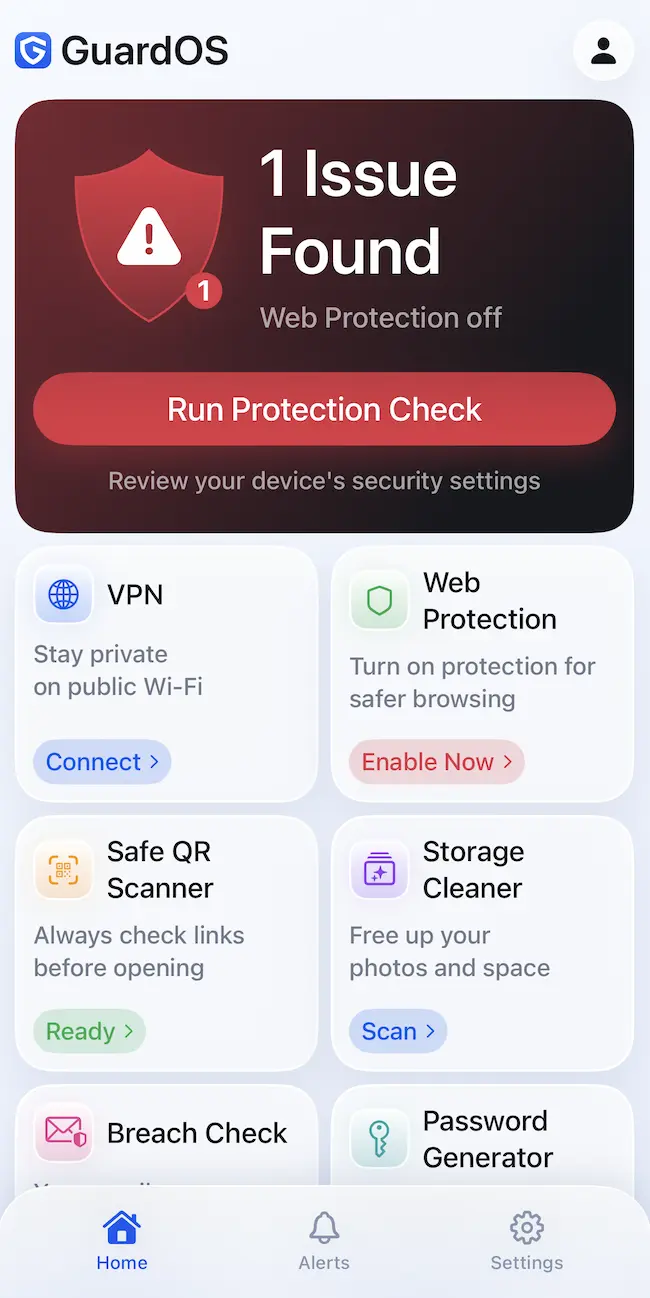
Protection Check runs through web protection, passcode, biometrics, and software update status. A progress indicator shows the check advancing, while individual items receive status marks.
Security and privacy features
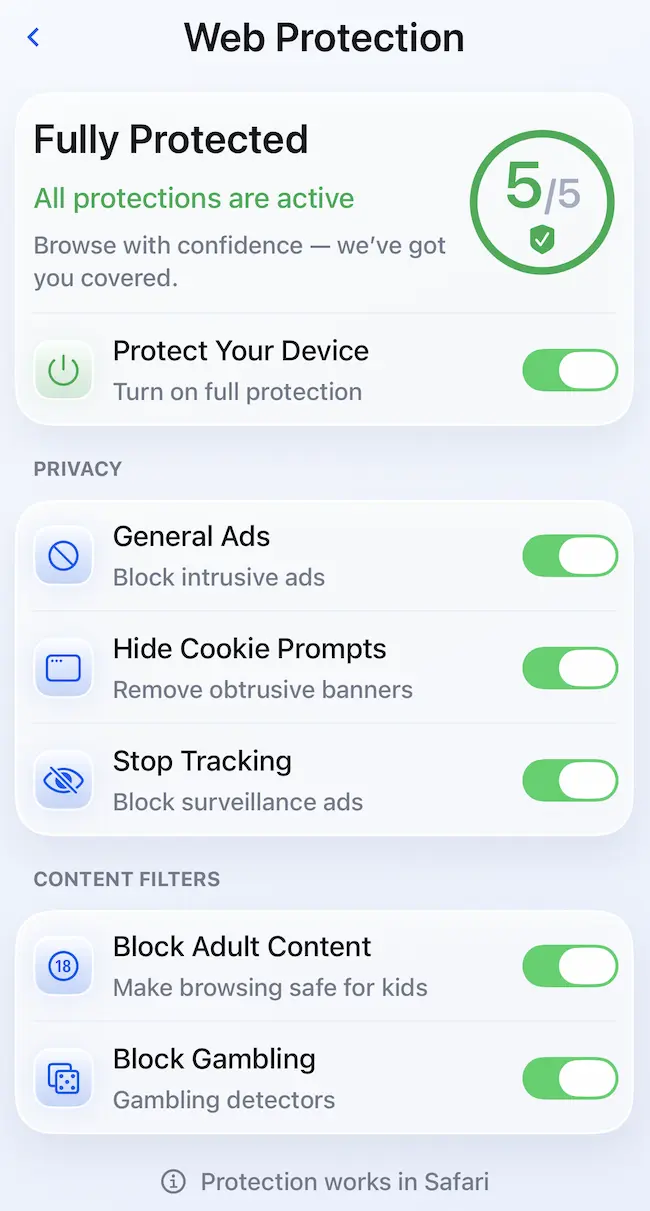
Web Protection includes separate switches for blocking ads, hiding cookie prompts, stopping tracking, and filtering adult and gambling content. Users can enable categories individually. The screen specifies that these protections work in Safari.
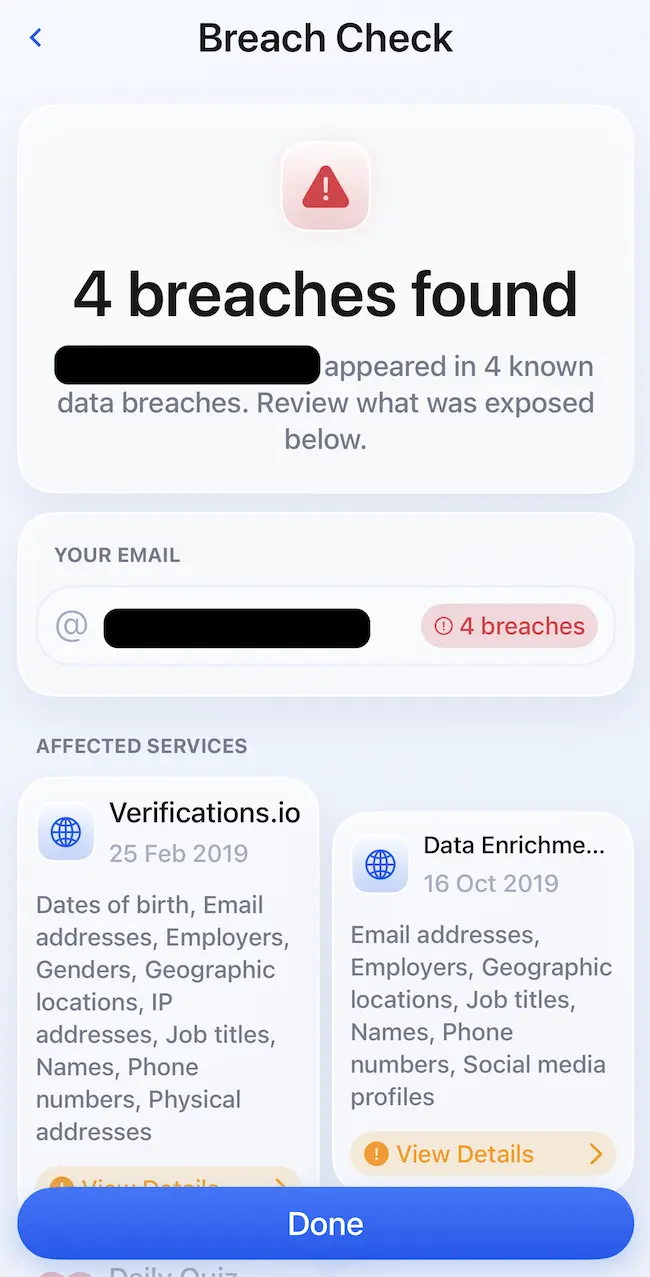
Breach Check searches an email address against known data breaches. My search returned four matches, with affected services, breach dates, and categories of exposed information listed for review. These details help users understand what information was included in each reported breach.
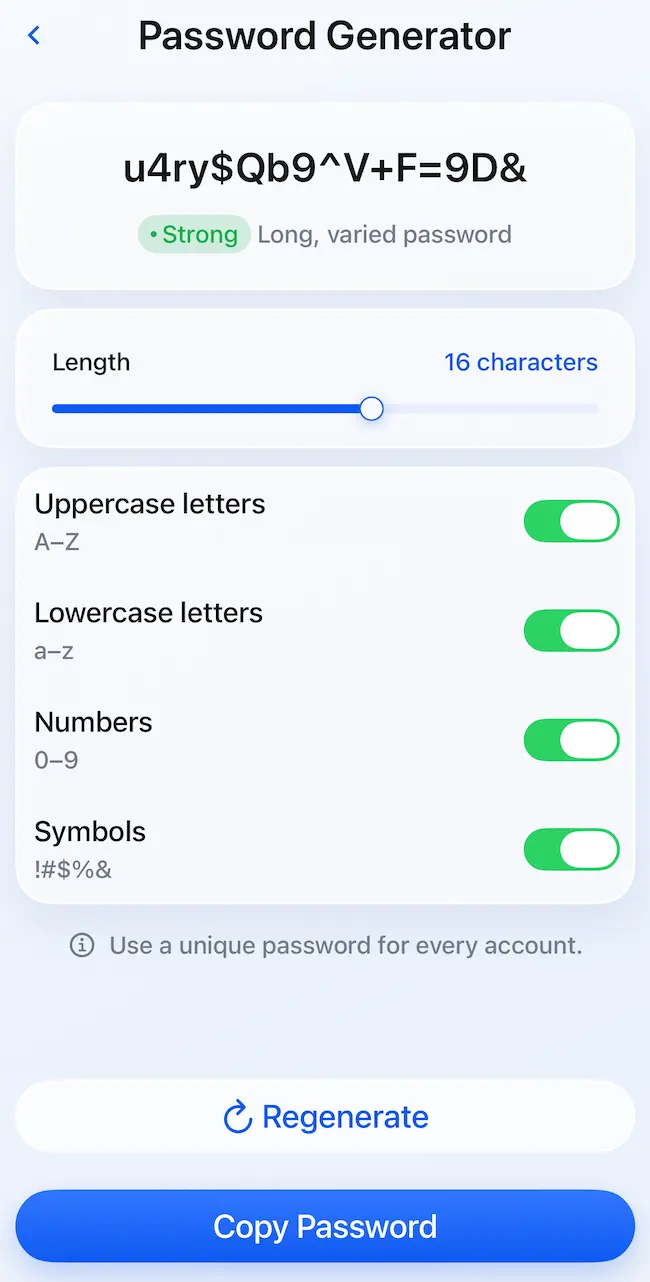
The Password Generator provides a length slider and switches for uppercase letters, lowercase letters, numbers, and symbols. Users can copy the generated password or create another.
Safe QR Scanner checks a code’s destination before opening it. Users can scan with the camera or select an image from Photos. In my test, it displayed the destination URL and reported no threats, while reminding me to open the link only if I trusted its source. Links do not open automatically, and the result screen provides options to copy the address, open it, or close the result.
Storage cleanup
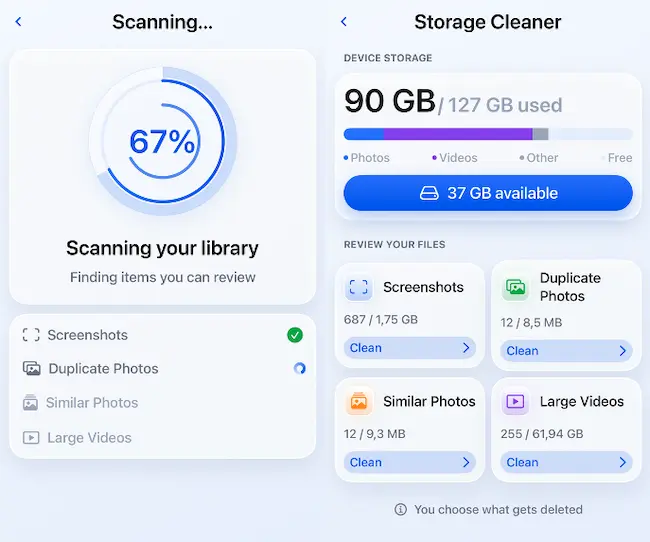
Storage Cleaner scans the photo library and groups screenshots, duplicate photos, similar photos, and large videos. Each category shows item counts and storage sizes, helping users identify what occupies space. Nothing is deleted during scanning, and users choose what to remove.
Conclusion
GuardOS puts several iPhone tools in one place, but the QR code scanner and storage scanner are the ones I’d return to. I want to see where a QR code leads before opening it, and I’d rather review photos and videos in groups than scroll through my library looking for things to delete.