Krea launched Krea 3, an image editor it says is faster and cheaper than Nano Banana Pro.
Krea released Krea 3, an image-editing model aimed at production work such as product, brand, and layout changes. The company says an edit finishes in under eight seconds and costs about $0.06 per 2K image, compared with roughly 26.8 seconds and $0.135 for Nano Banana Pro and 39.9 seconds and $0.21 for GPT Image 2.5. It advertises regional edits, exact hex-color changes, up to eight reference images, character consistency, and native 2K output. Krea notes the side-by-side timings are pre-generated, not a live benchmark.
Krea 3 targets production image edits and claims results under eight seconds.
Listed 2K price is about $0.06, versus $0.135 for Nano Banana Pro.
Features include regional edits, hex colors, eight references, and native 2K.
Published timings are pre-generated playback, not a live benchmark.
Krea 3 is an image editing model built for production. It changes only what you ask, finishes an edit in under 0 1 2 3 4 5 6 7 8 9 0.0 1 2 3 4 5 6 7 8 9 0 s 8s, and costs$0.135$0.06 per image.
$0.00 Price per image
0x Faster than Nano Banana Pro
Under 0s Time per edit
Krea 3
Price per image
Krea 3$0.00
Grok Imagine 2.0$0.00
Nano Banana 2$0.00
Seedream 5.0 Pro$0.00
Nano Banana Pro$0.00
GPT Image 2$0.00
Ideogram 4.5$0.00
Seconds per edit
Krea 3<0s
Grok Imagine 2.0 0s
Nano Banana 2 0s
Seedream 5.0 Pro 0s
Nano Banana Pro 0s
GPT Image 2 0s
Ideogram 4.5 0s
We distribute through the world’s leading organizations, helping them advance their industries:
falBasetenComfyLuminalTogether AI EnvatoCreative FabricaOxenCivitaiRouterPlusMito AIFloraEachlabs
falBasetenComfyLuminalTogether AI EnvatoCreative FabricaOxenCivitaiRouterPlusMito AIFloraEachlabs
One model
Every brief
E-commerce Marketing Architecture Product Fashion Gaming Film Photography Consumer
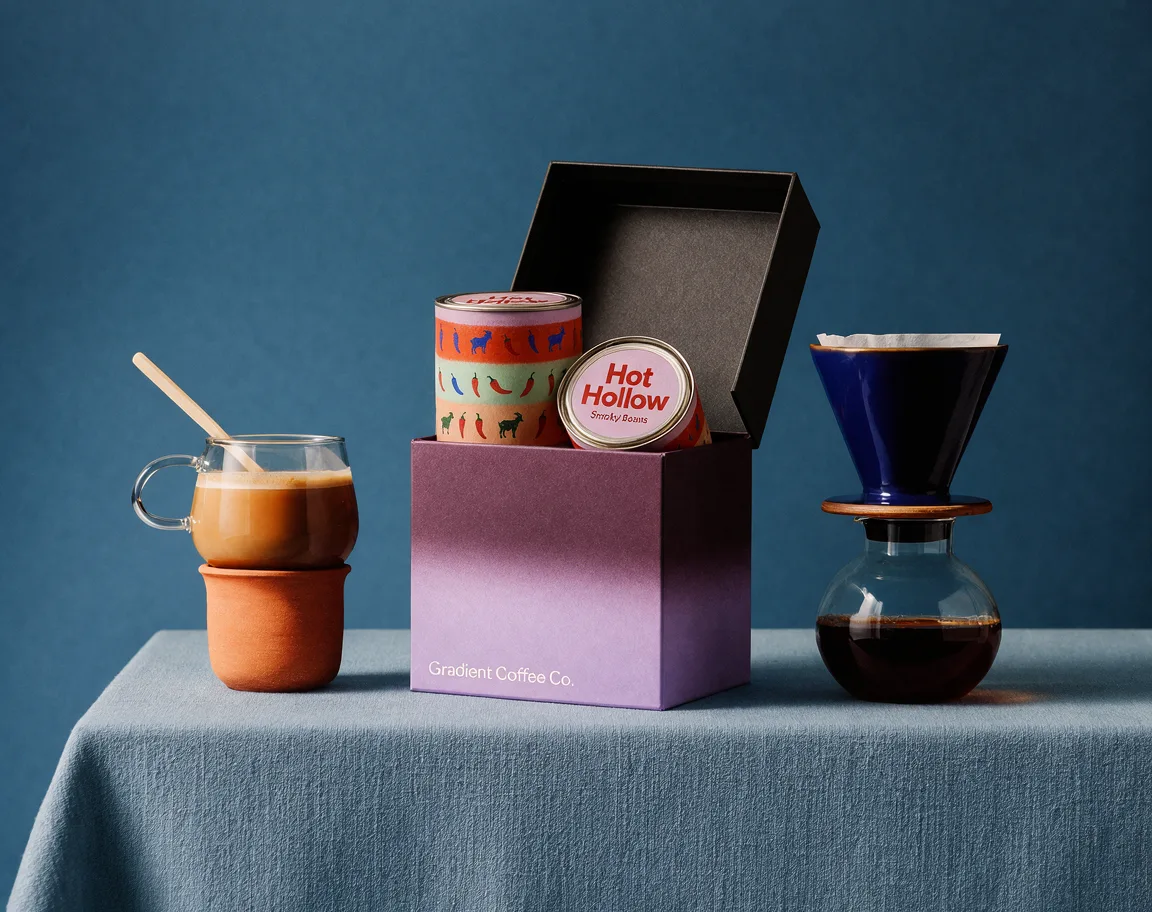
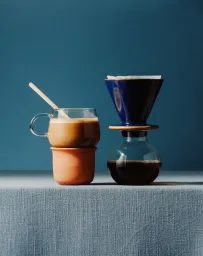
1 1 Glass mug 2 2 Ceramic mug 3 3 Tin 01 4 4 Tin 02 5 5 Change to a copper dripper
1 1 Brand 2 2 Change the pasta to a banana 3 3 Logo
1 1 Pavilion 2 2 Make the pool pink 3 3 Terrace
1 1 Paper bag 2 2 Make the cup cherry red
1 1 Make the bag cobalt blue 2 2 Yellow heels
1 1 Character 01 2 2 Make the raincoat pink 3 3 Character 03 4 4 Character 04
1 1 Red receiver 2 2 Change to a silver watch 3 3 Rotary phone
1 1 Portrait 01 2 2 Portrait 02 3 3 Make the camera red
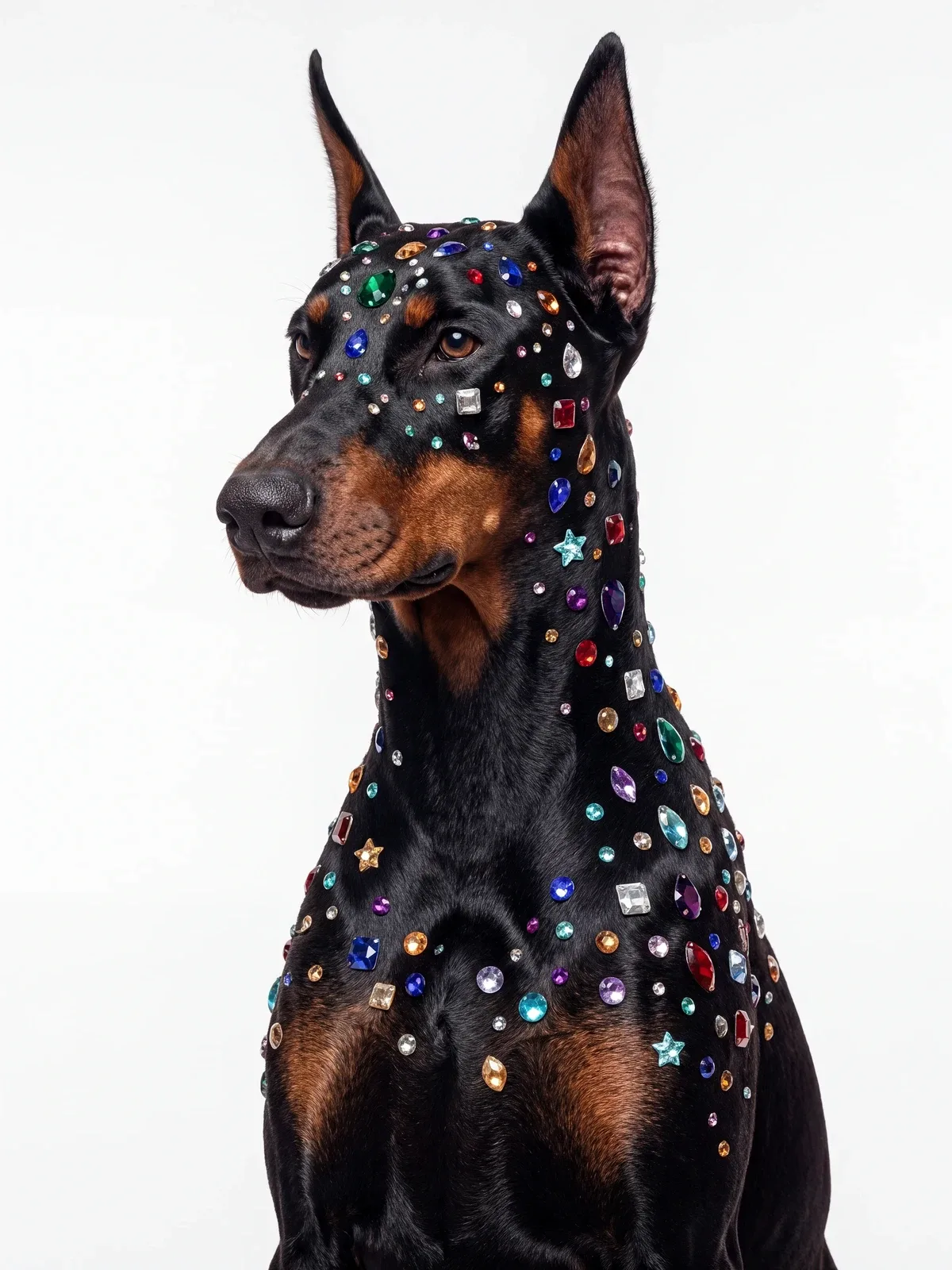
Create a starter-kit bundle hero on the blue set from image 1, with its dripper and mugs plus the gift box from image 2 holding two tins from image 3.Re-skin the roadside billboard in image 1 for a pasta brand, replacing the peach with the twirling tagliatelle from image 2.Turn the textured illustration in image 1 into a photograph from the same viewpoint, keeping the pavilion, pool, terrace and planting as drawn.Turn the red grocery bag in image 1 into a Halo Bagels bag using the logo in image 2.In the street-style photo in image 1, replace the pink bag with the tan leather top-handle bag from image 2, carried by the handles in her hand.Convert the four pixel-art characters in image 1 into stylised 3D characters in the render style of image 2, keeping each one's design and colours.Create a close insert on the desk in image 1: the actor from image 2 (blond hair, stubble, brown roll-neck) leans into frame and lifts the red rotary phone's receiver to his ear with his left hand.Combine the two people into one candid photograph set in the vintage living room of image 3.Create one fisheye selfie from above, framed like image 1, of the man from image 1 holding the dachshund from image 2 in his arms.
Krea 3 renders 2K natively. Move the loupe over this 2K output to see its real pixels.
Same edits
Less waiting
One image. Twelve identical prompts. Watch Krea 3, Nano Banana Pro, and GPT Image 2.5 work through the same edits side by side, then speed up playback to see the difference.
Krea 3
< 8 sec
~ $0.06 / edit 0 images
Editing: A cobalt-blue backdrop
🍌 Nano Banana Pro
~ 26.8 sec
~ $0.135 / edit 0 images
Editing: A cobalt-blue backdrop
GPT Image 2.5
~ 39.9 sec
~ $0.21 / edit 0 images
Editing: A cobalt-blue backdrop
Real 5×10×
Pre-generated outputs, not a live benchmark. Krea 3 uses an illustrative playback time of 8s per edit. Nano Banana Pro uses 26.8s and GPT Image 2.5 Sunburst uses 39.9s: the median request-to-result time of each model's 12-image batch, including queue time. Each edit starts from the same original image. Each model loops continuously at its own pace. Costs are approximate USD list prices for 2K edits, excluding promotions. GPT Image 2.5 pricing is a draft estimate pending validation.
Loading comparison images…
Made for designers
Posters, packs,
brands, covers
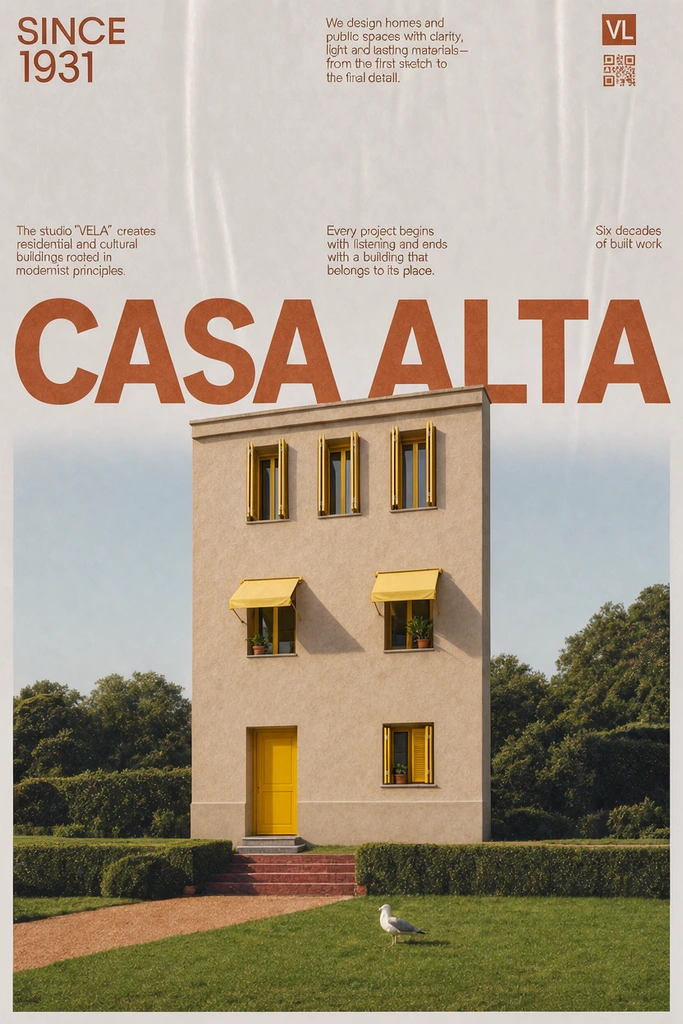
Swap the product, the photo or the brand and keep the layout and type. Hold any piece to see what it started from.
All Posters Type Packaging Branding Editorial Ads & social
Hold to compare
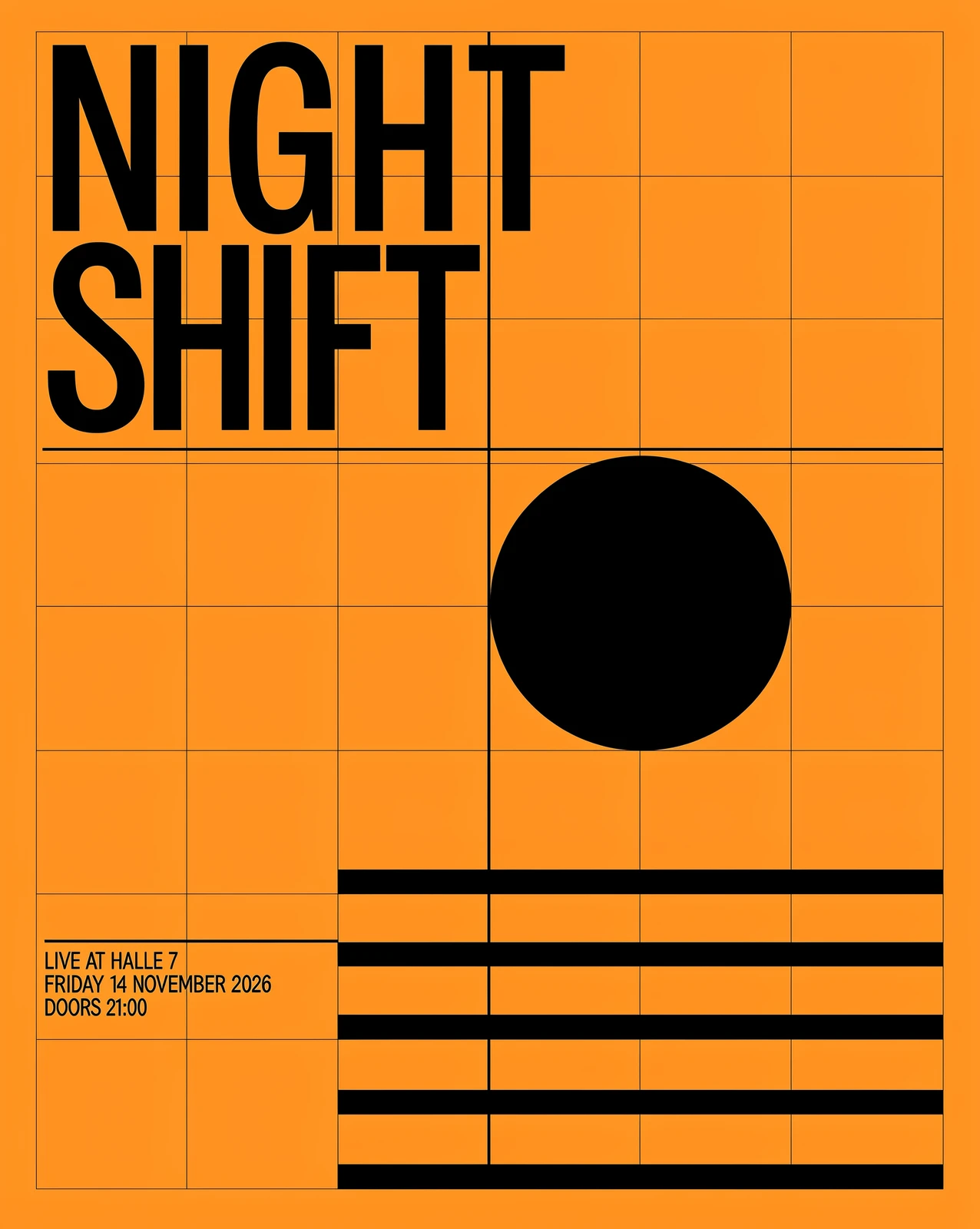
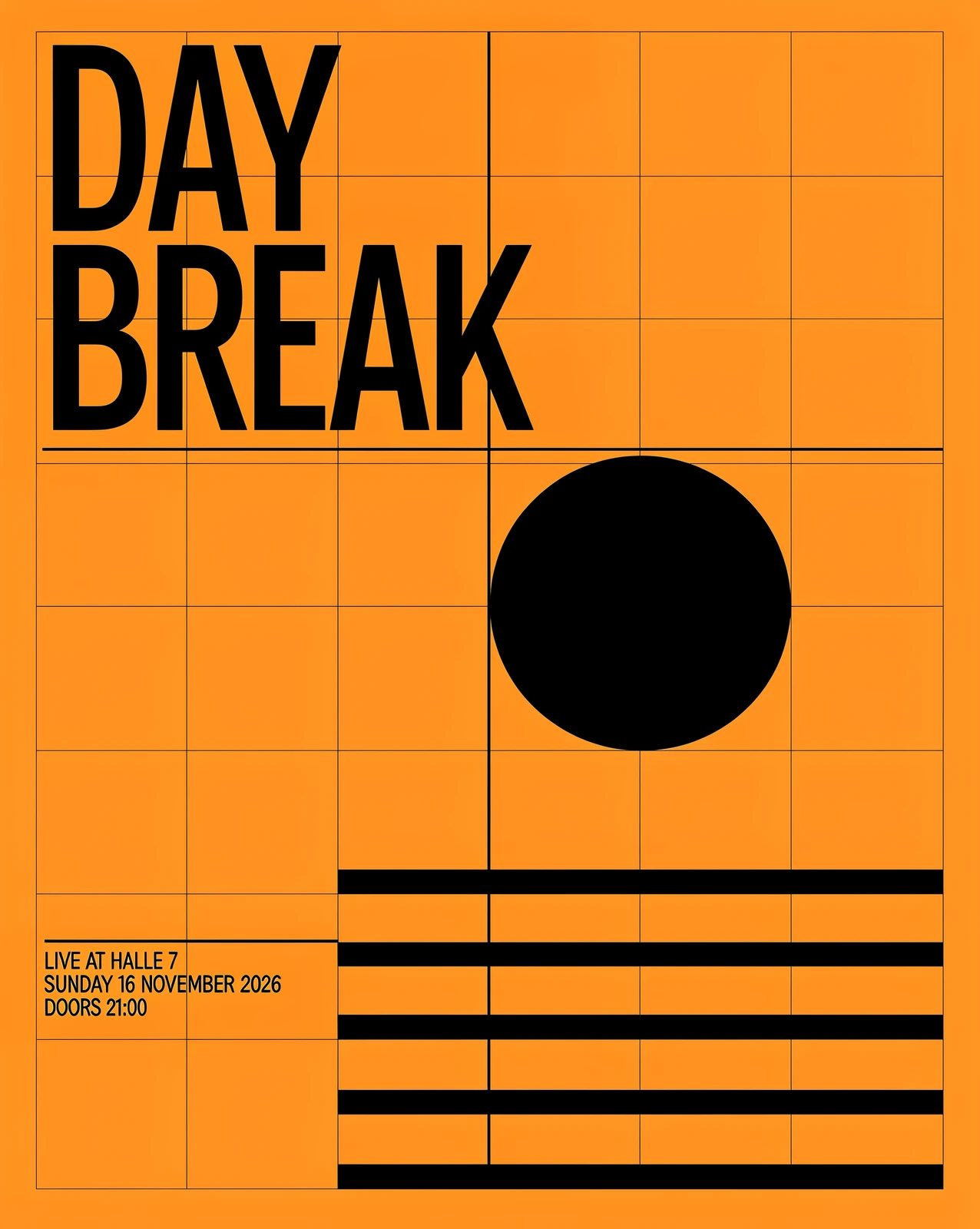
Type Night Shift poster, re-titled
Hold to compare
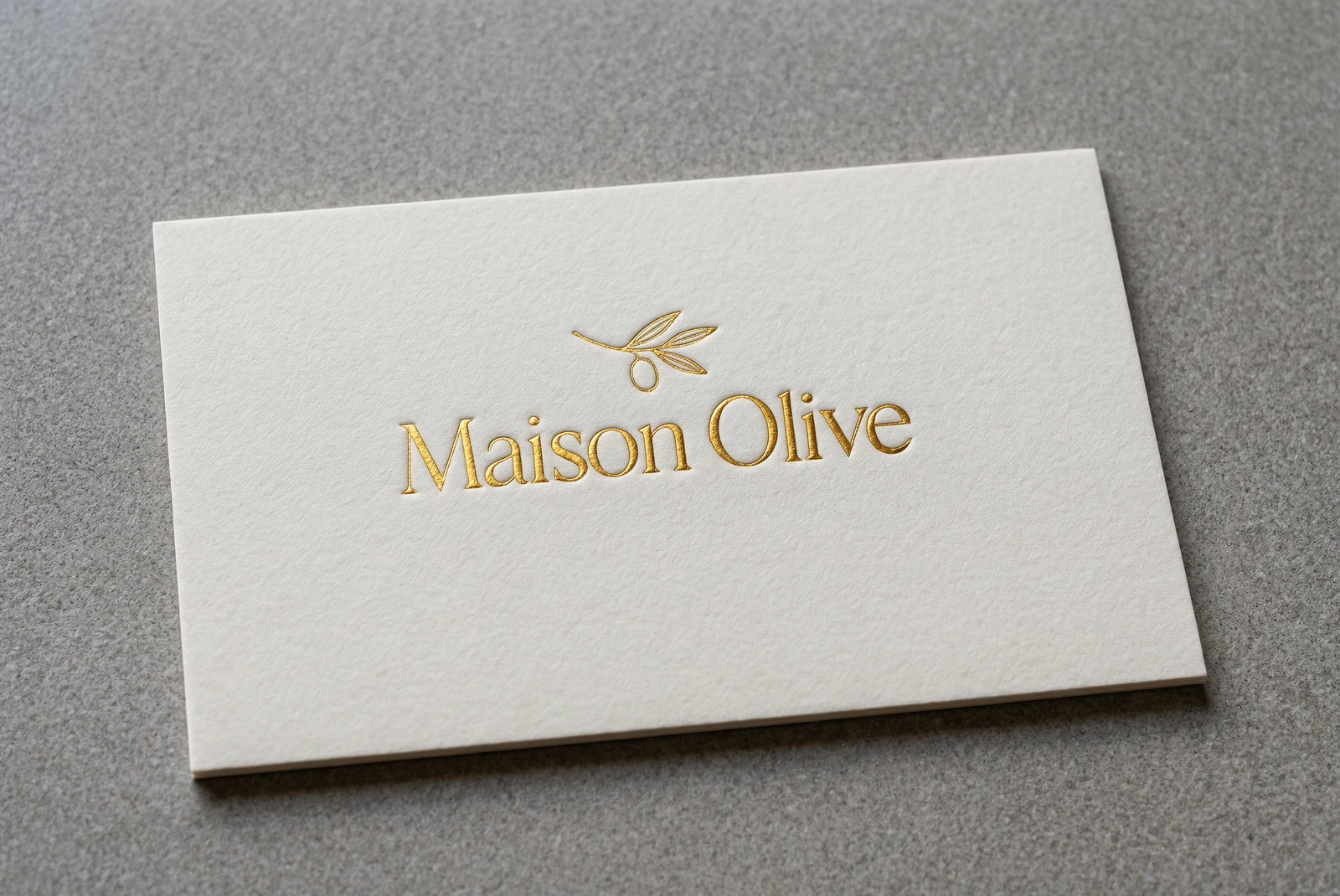
Type Maison Olive, foil-stamped
Hold to compare
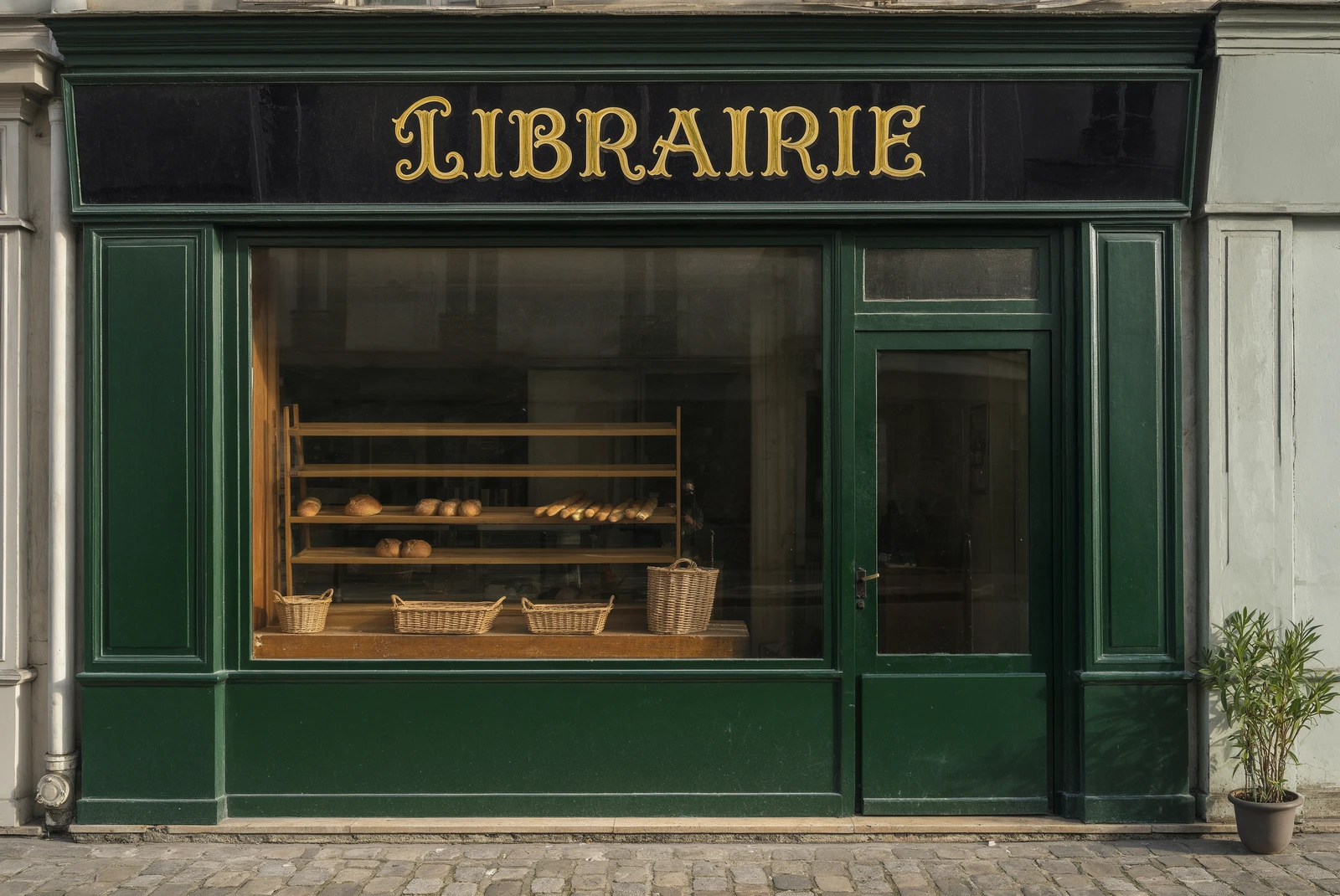
Type Boulangerie sign, re-lettered
Hold to compare
Type Ardent specimen, letterpressed
Hold to compare
Type The Quiet Year, in Japanese
Hold to compare
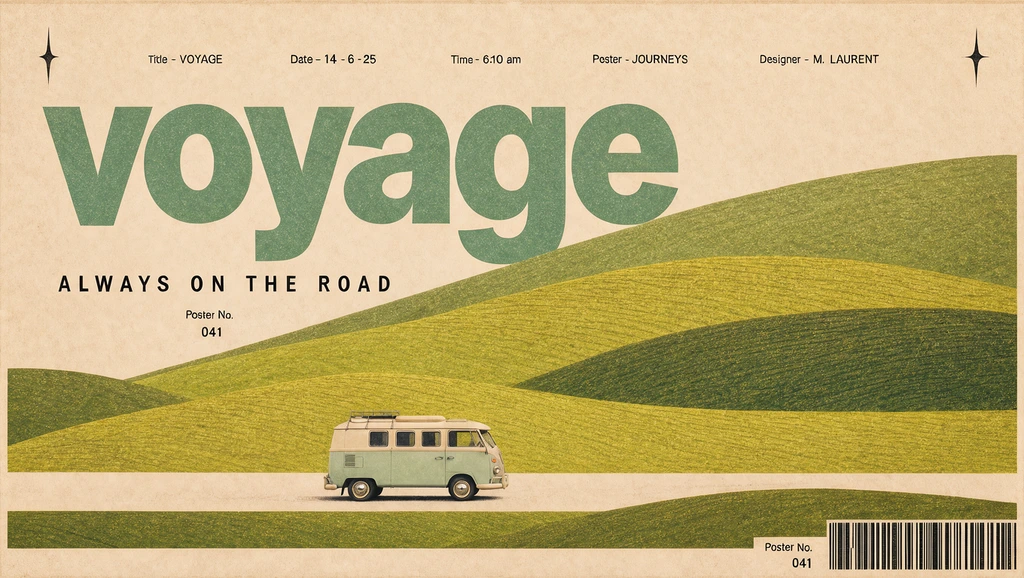
Posters Voyage road-trip banner
Hold to compare
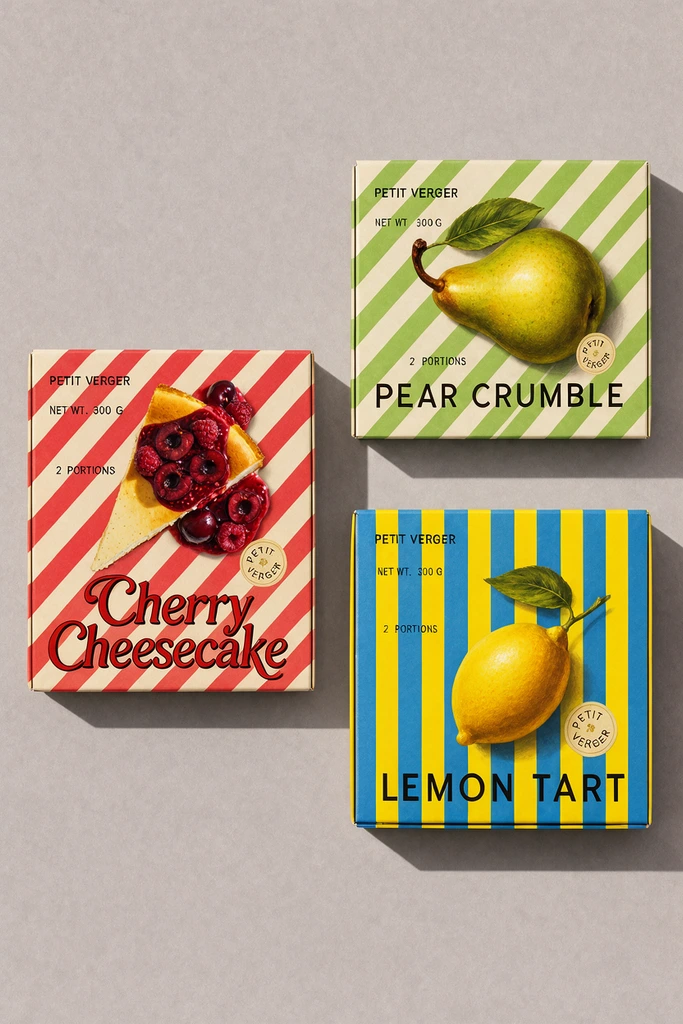
Packaging Petit Verger dessert boxes
Hold to compare
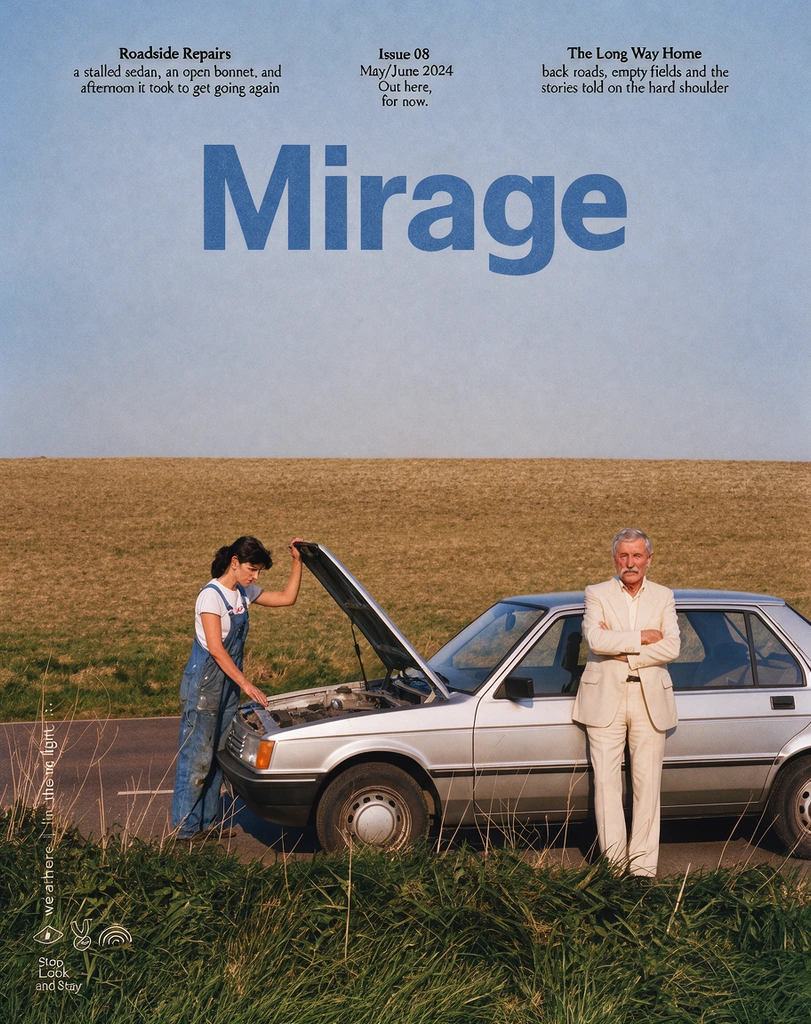
Editorial Mirage magazine cover
Hold to compare
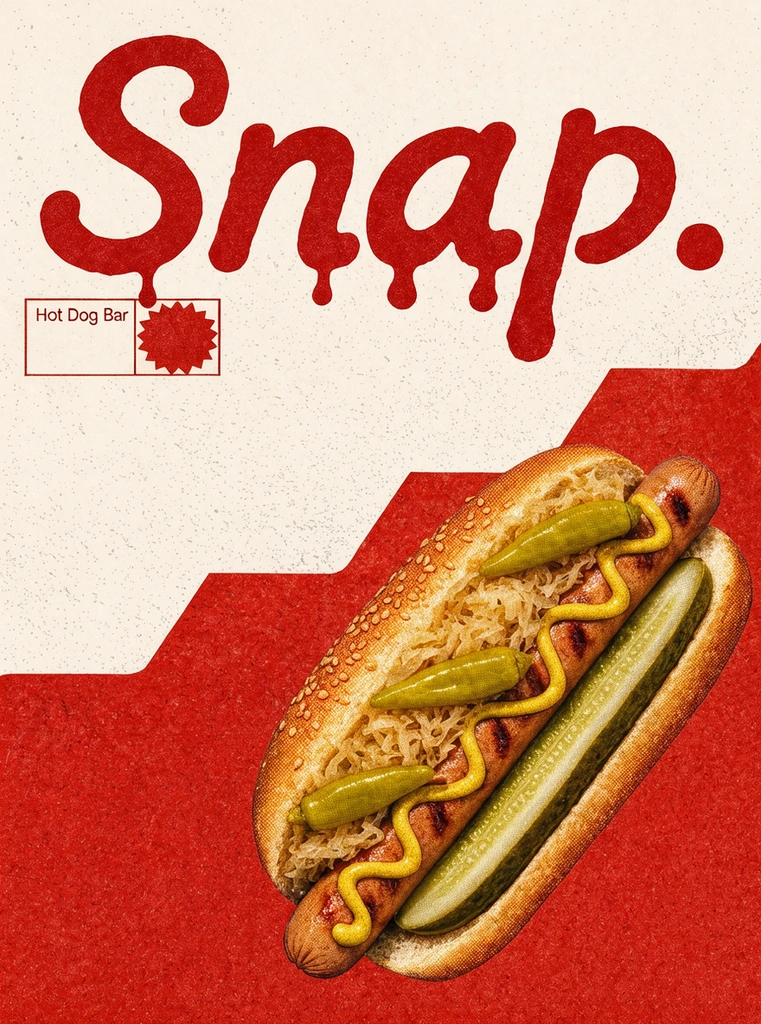
Ads & social Snap hot-dog poster
Hold to compare
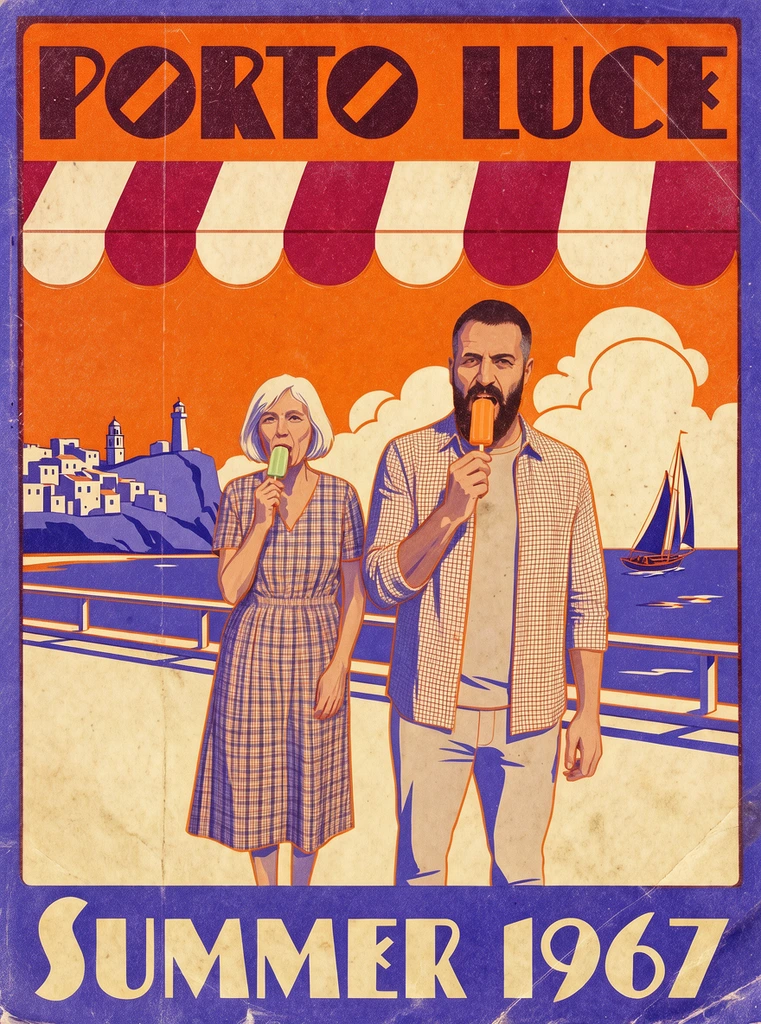
Posters Porto Luce travel poster
Hold to compare
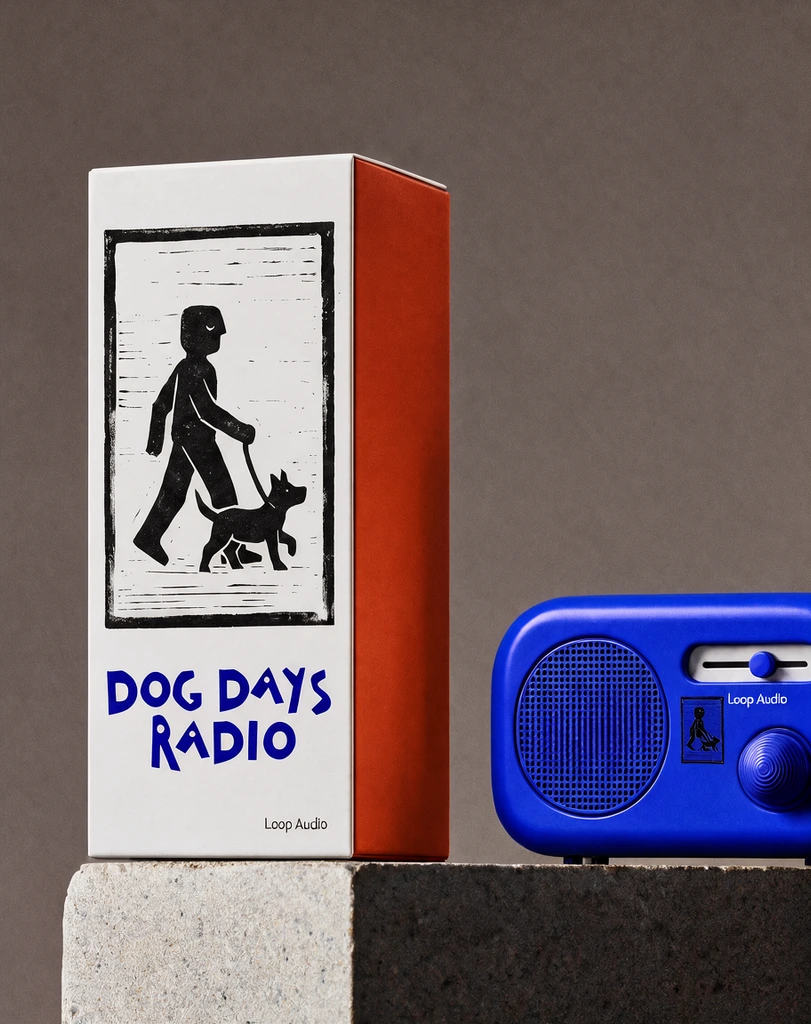
Branding Dog Days Radio box
Hold to compare
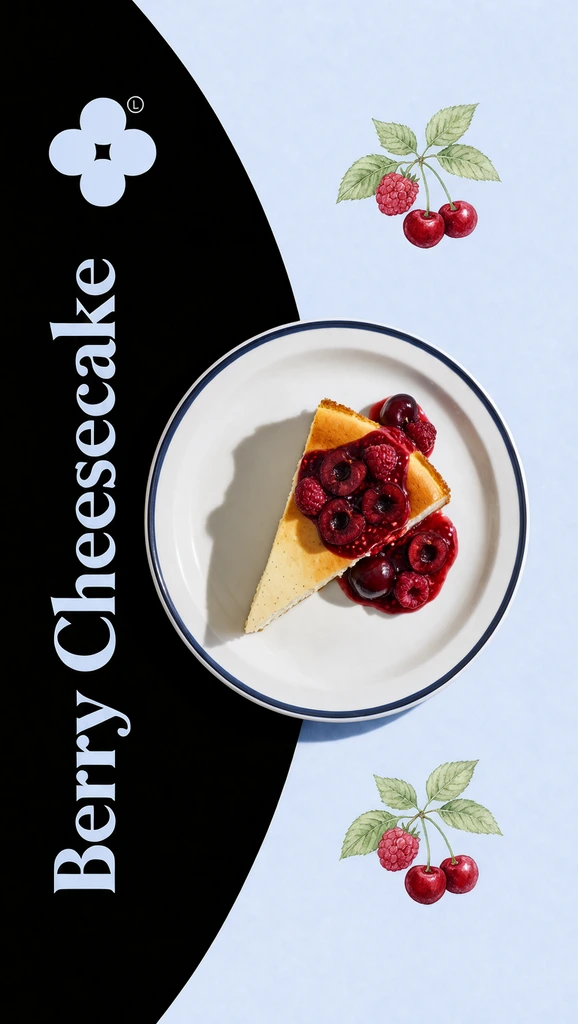
Ads & social Berry Cheesecake story
Hold to compare
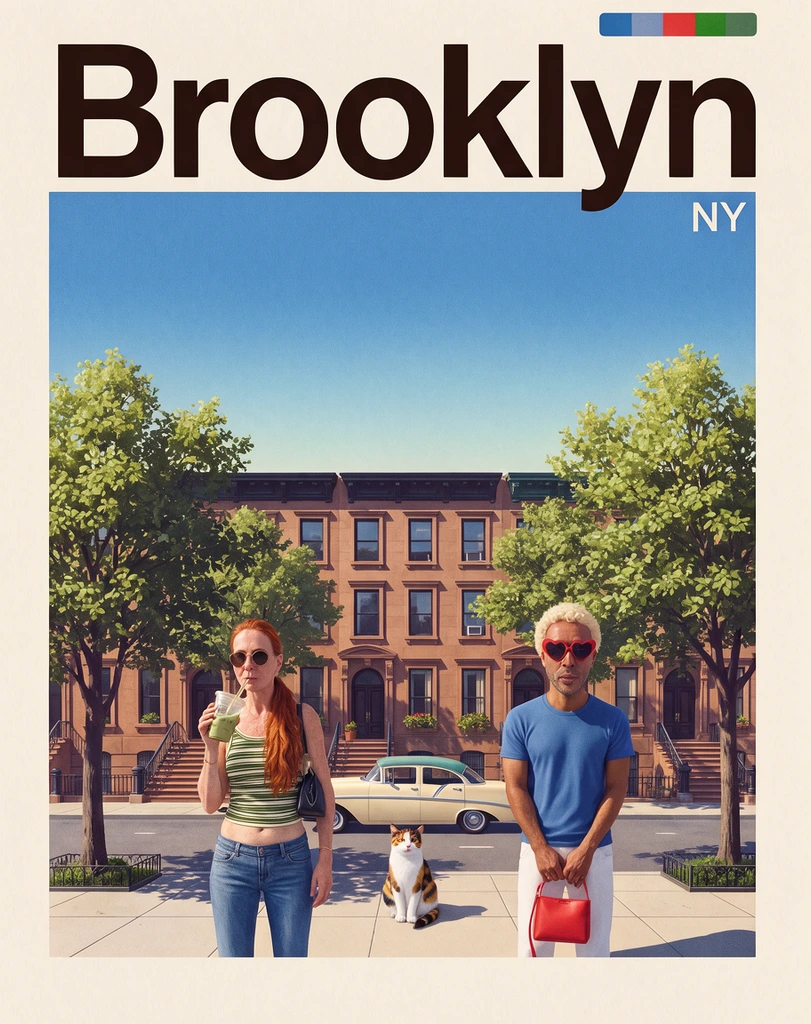
Posters Brooklyn city poster
Hold to compare
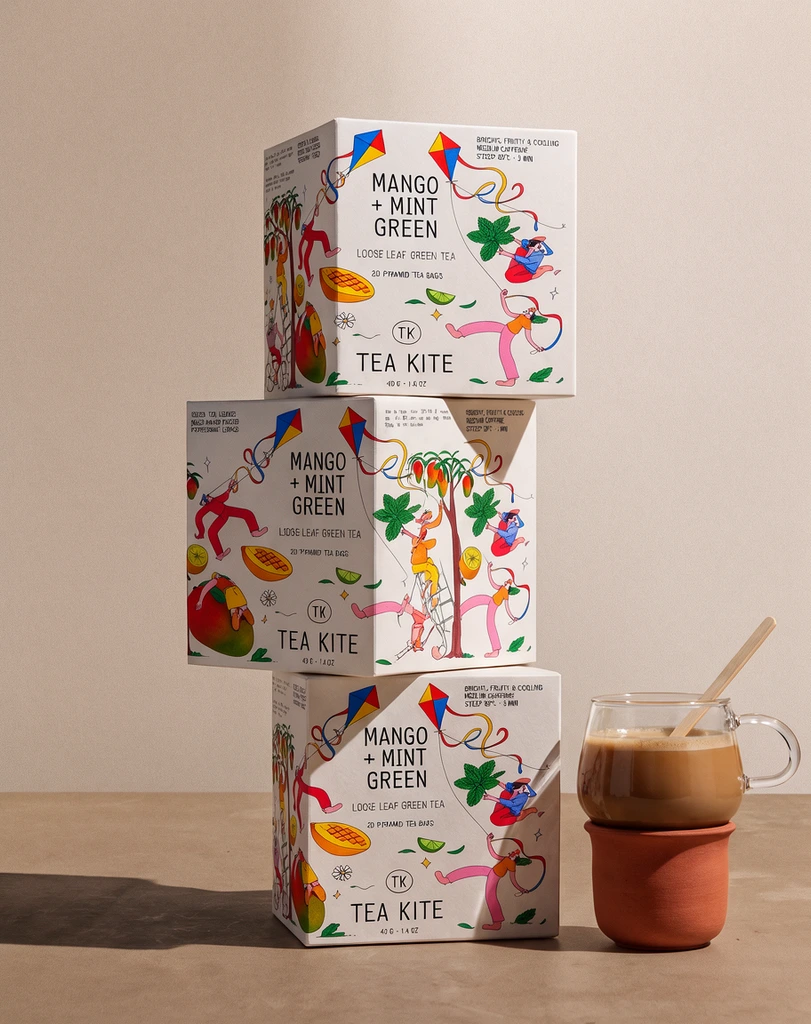
Packaging Tea Kite box stack
Hold to compare
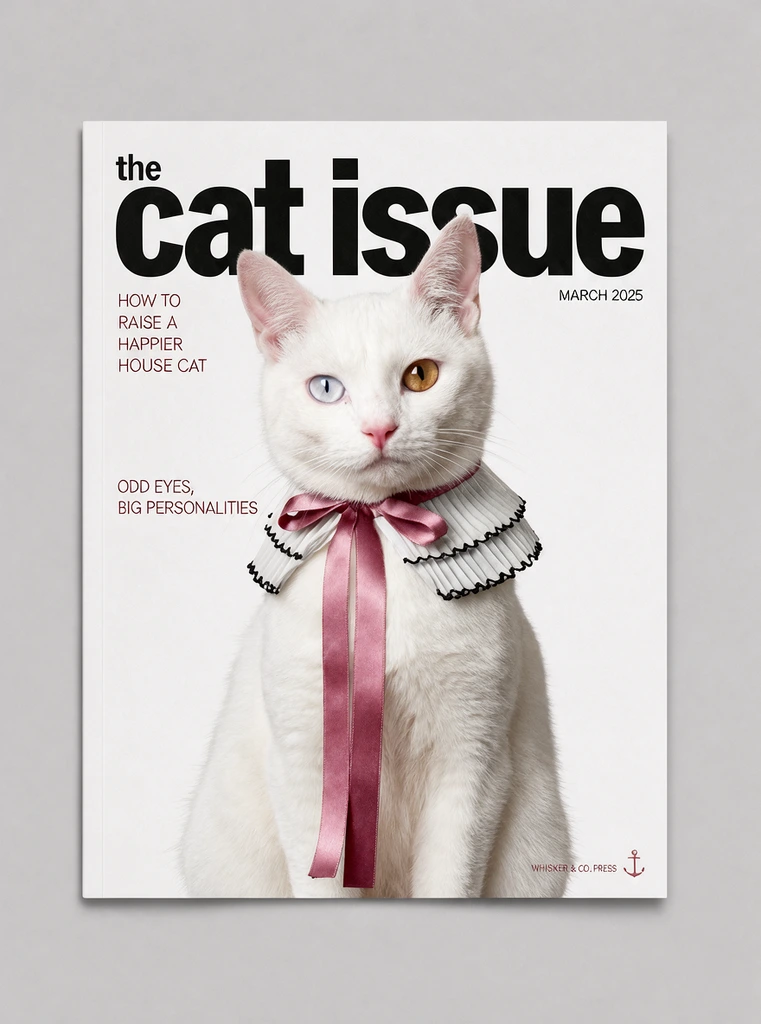
Editorial The Cat Issue cover
Hold to compare
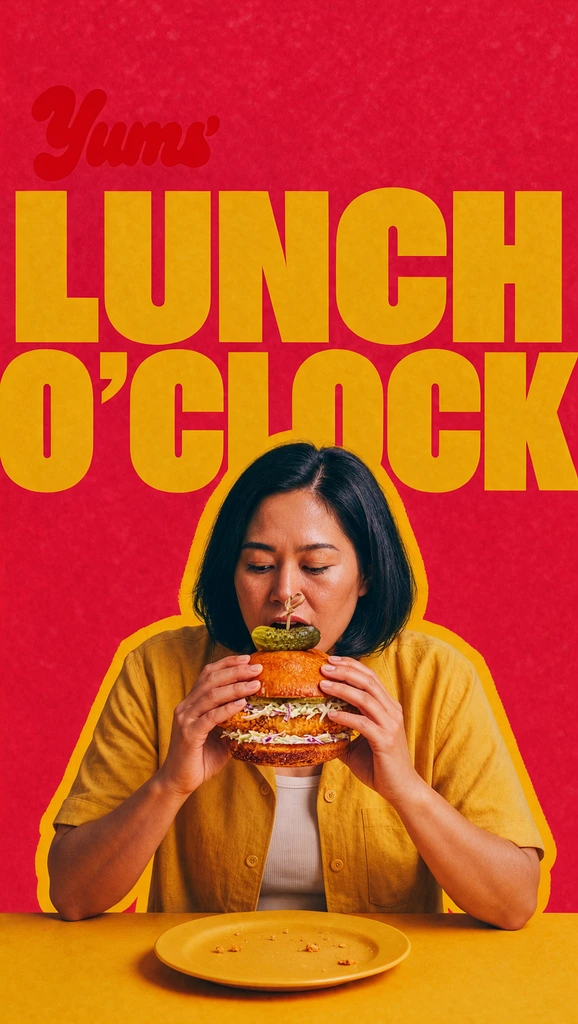
Ads & social Lunch O'Clock food ad
Hold to compare
Posters Casa Alta studio poster
Hold to compare
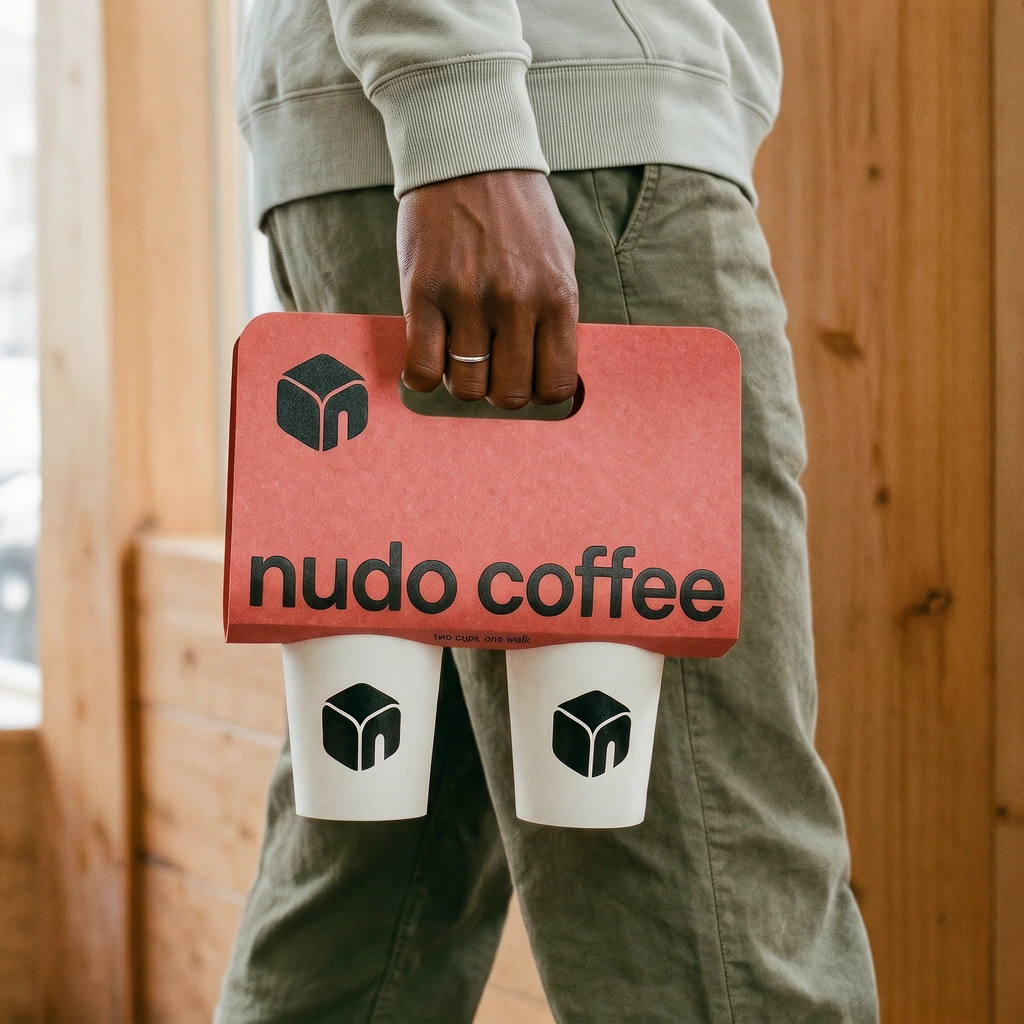
Branding nudo coffee cup carrier
Hold to compare
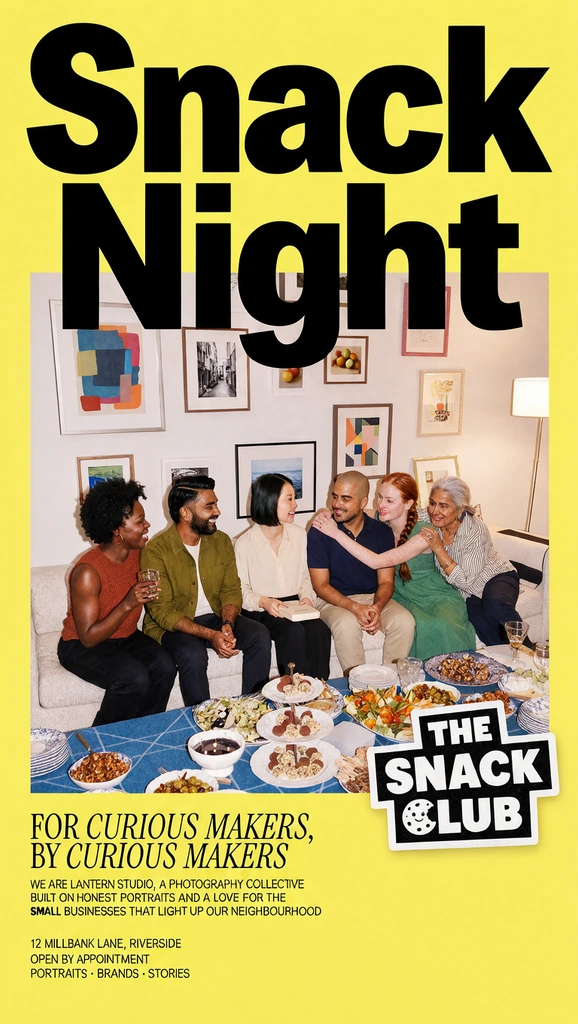
Ads & social Snack Night story
Hold to compare
Posters Greetings from Lisbon postcard
Hold to compare
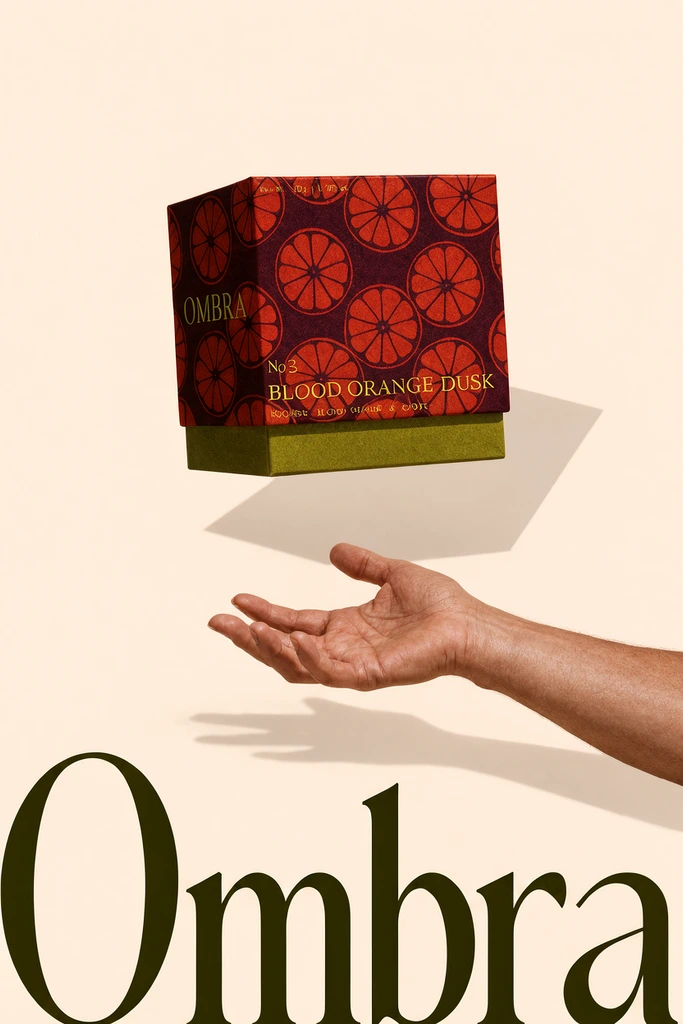
Ads & social Ombra tea print ad
Hold to compare
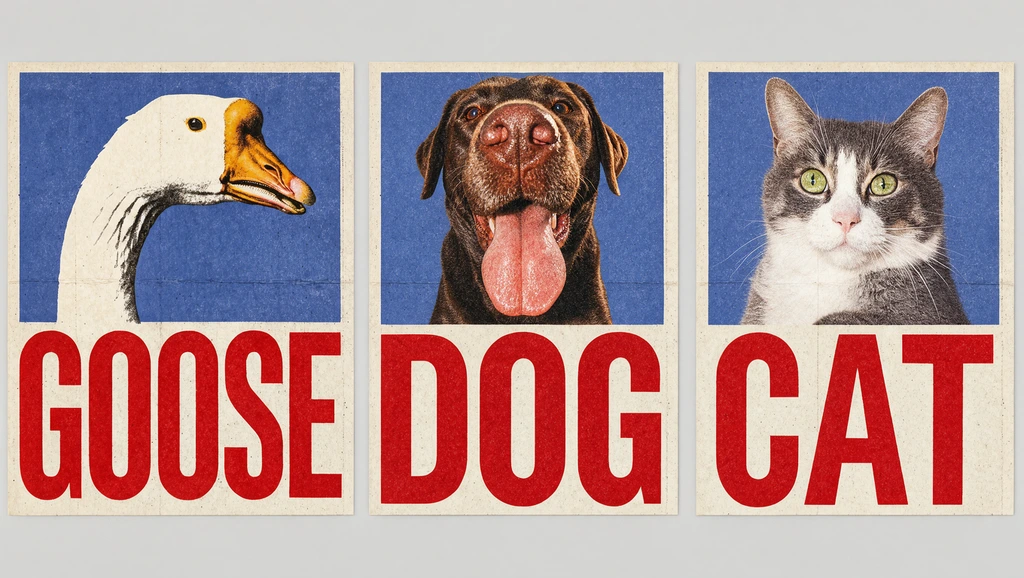
Posters Goose, Dog, Cat series
Hold to compare
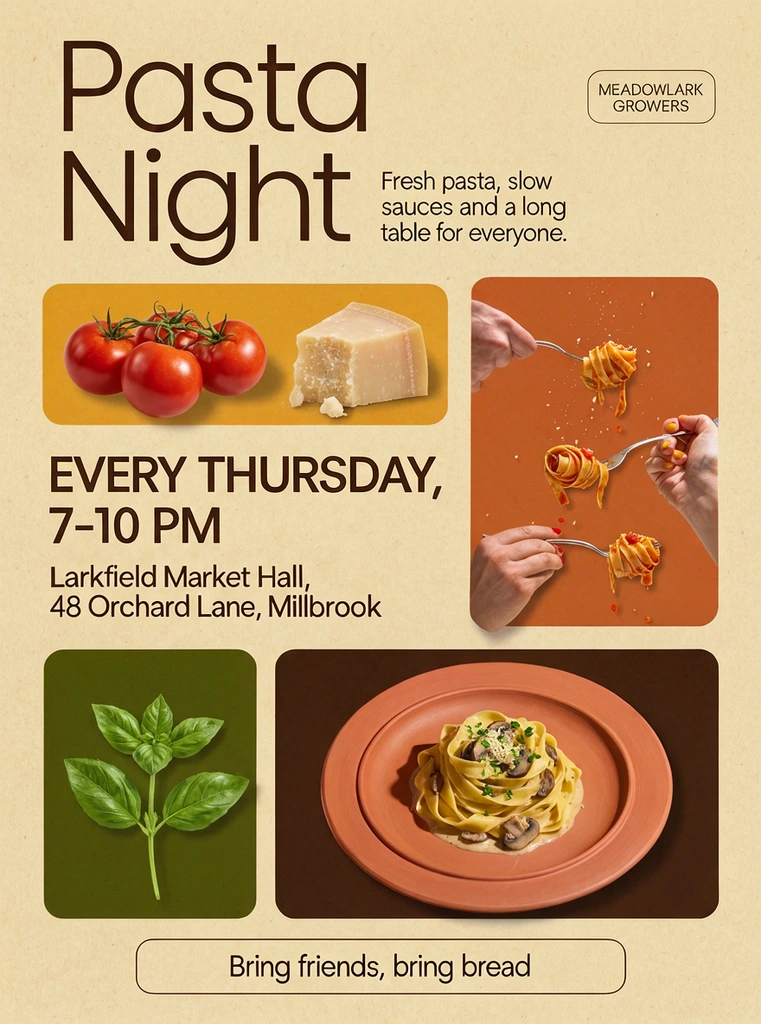
Posters Pasta Night event poster
Send a photo, then a voice note. Krea 3 answers with the edit before you finish your next thought.
Just say it
Edits as fast
as you talk
“Make it golden hour.”“Give him a little party hat.”“Make it snow outside the window.”“Add balloons on the sofa.”“Write Happy Birthday Max on it.”
Day to night Blockout Sketch Re-skin New sky Green screen
Input Krea 3
Krea 3
Krea 3
Krea 3
Krea 3
Krea 3
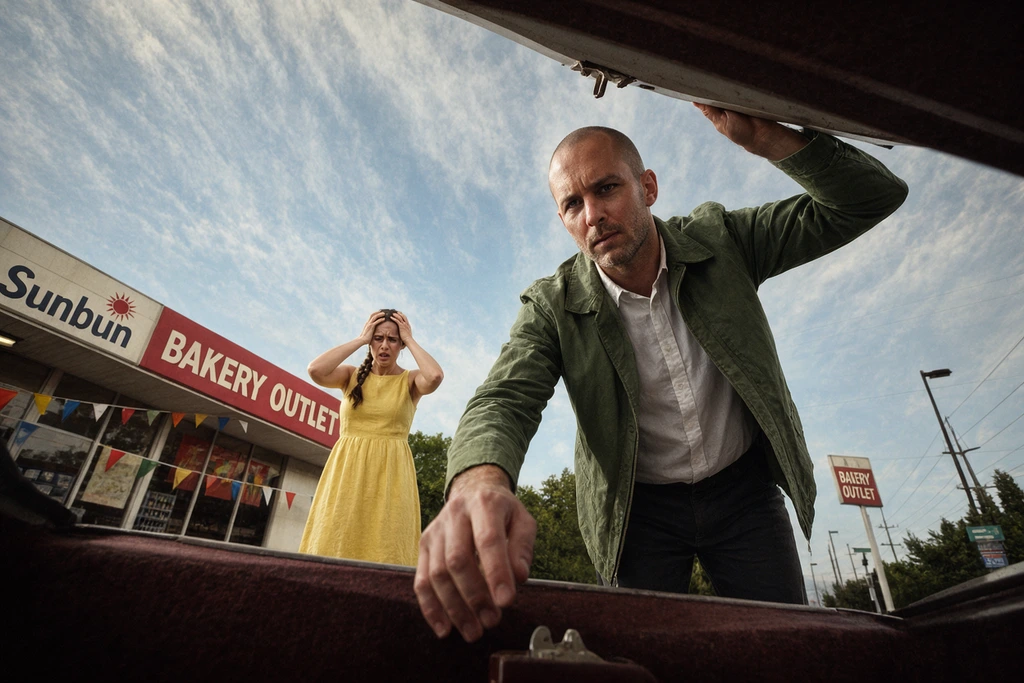
Relight the low-angle gas-station plate in image 1 for night, keeping the camera, the action and both people.
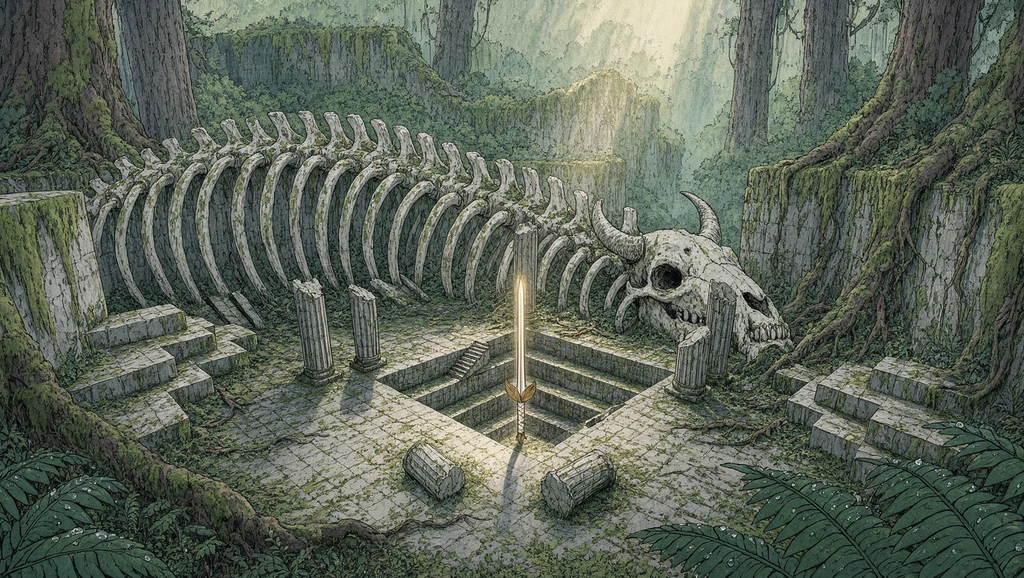
Turn the white arena blockout in image 1 into boss-arena key art from the same camera, keeping the central pit, the broken columns and the stepped platforms.
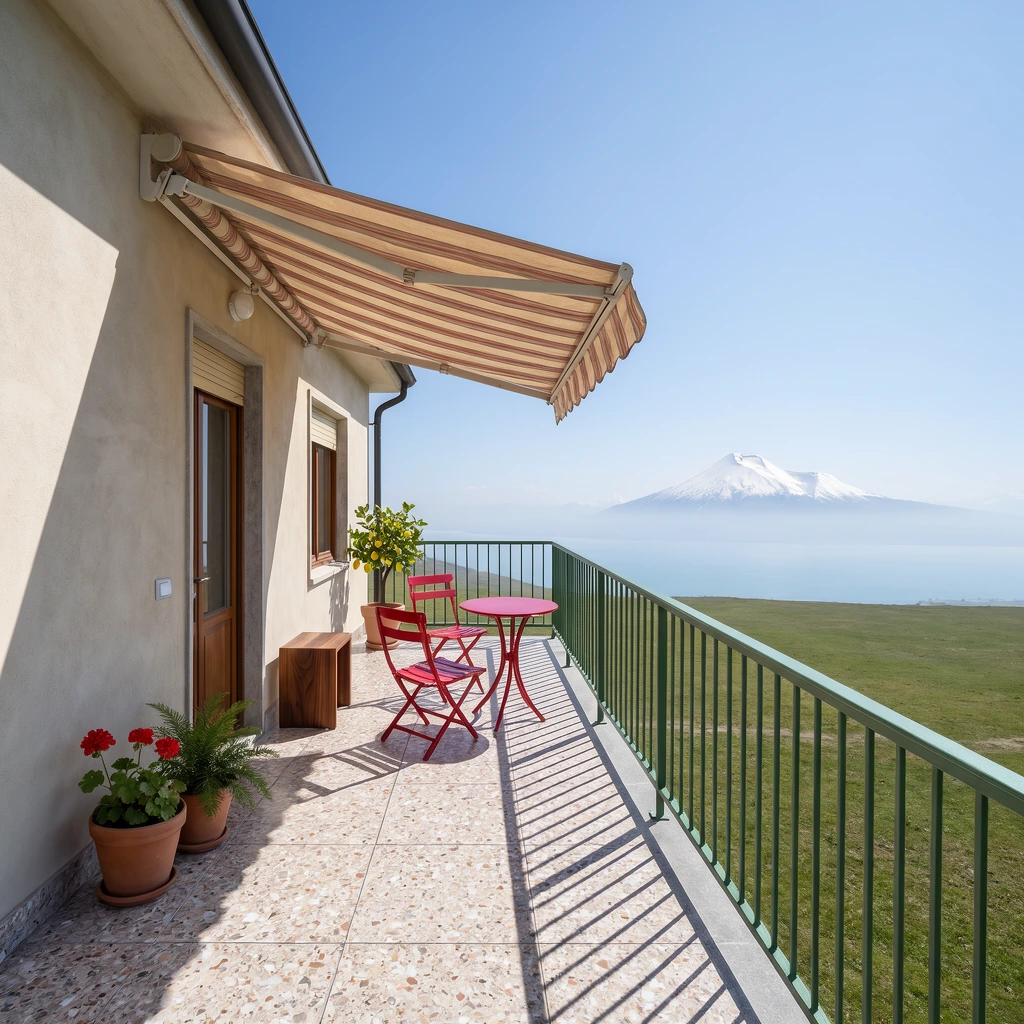
Turn the coloured-pencil terrace in image 1 into a photograph from the same viewpoint, keeping the railing, chairs, awning and plants where they are drawn.
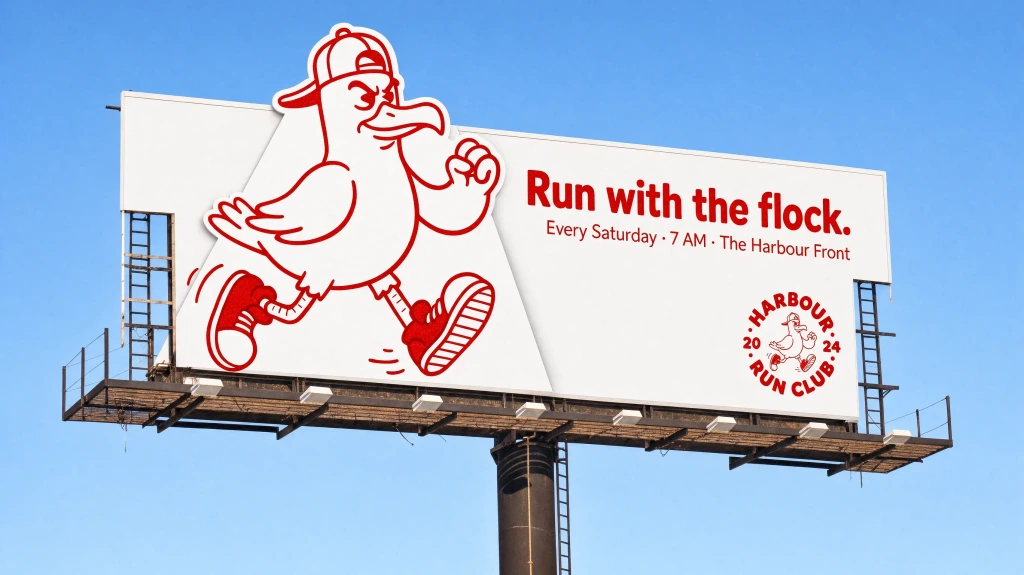
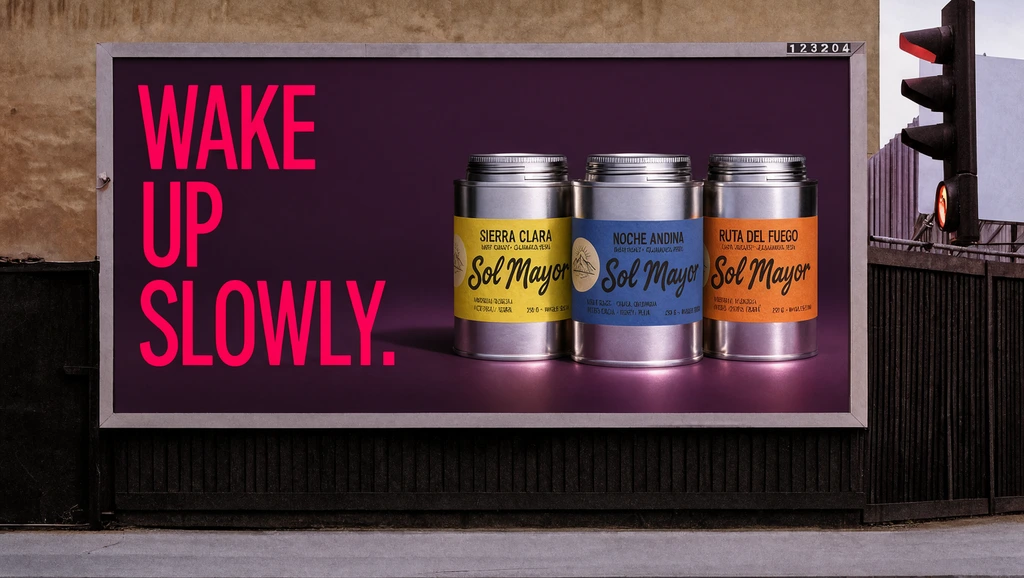
Re-skin the roadside billboard in image 1 for the coffee range in image 2.
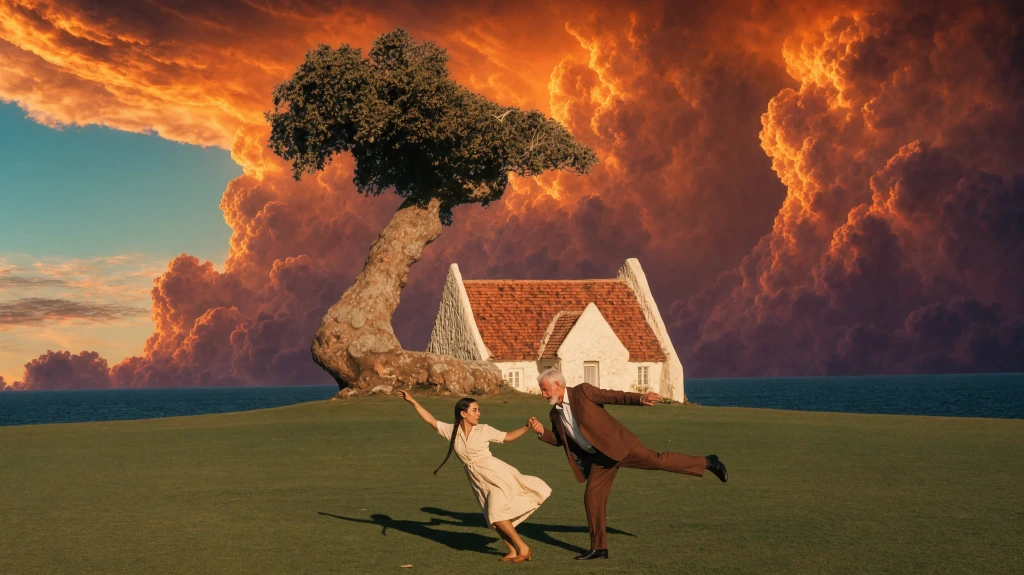
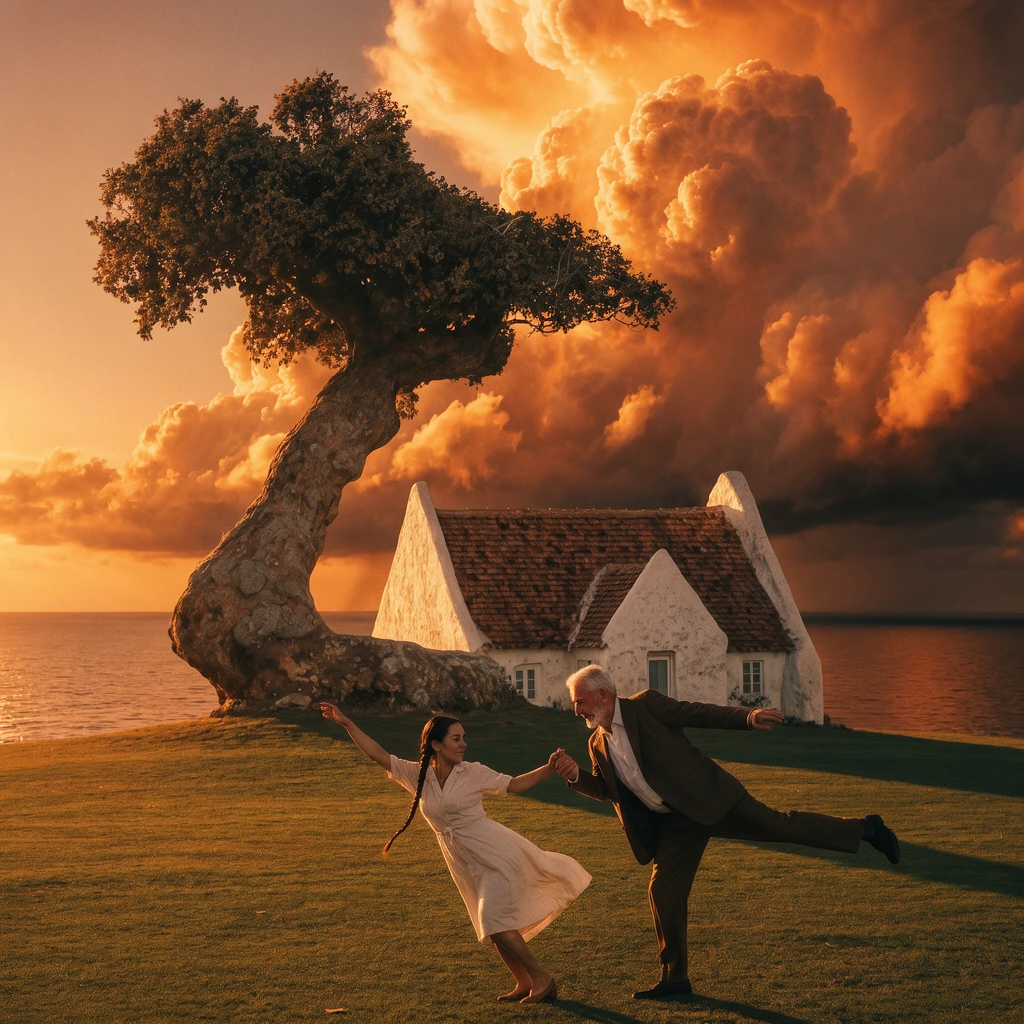
Replace the clear sky behind the dancing couple, the white house and the wind-bent tree in image 1 with the fiery orange-gold storm clouds of image 2.
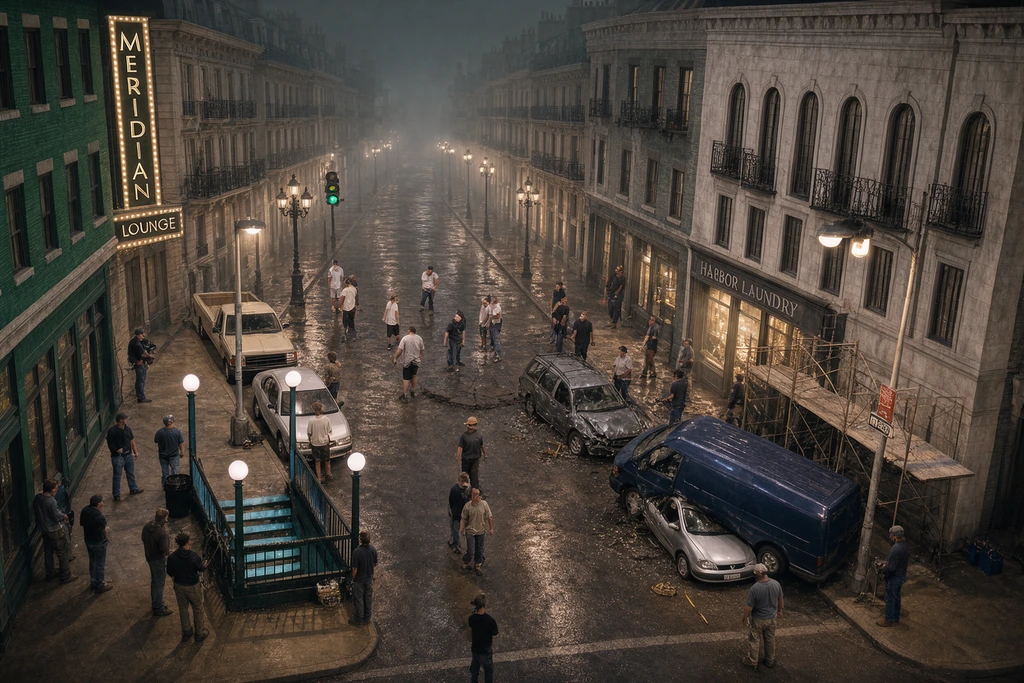
Composite the backlot plate in image 1, replacing the green-screen wall with a continuation of the street built from the boulevard in image 2.
Krea 3
Only what you asked
Not one pixel more
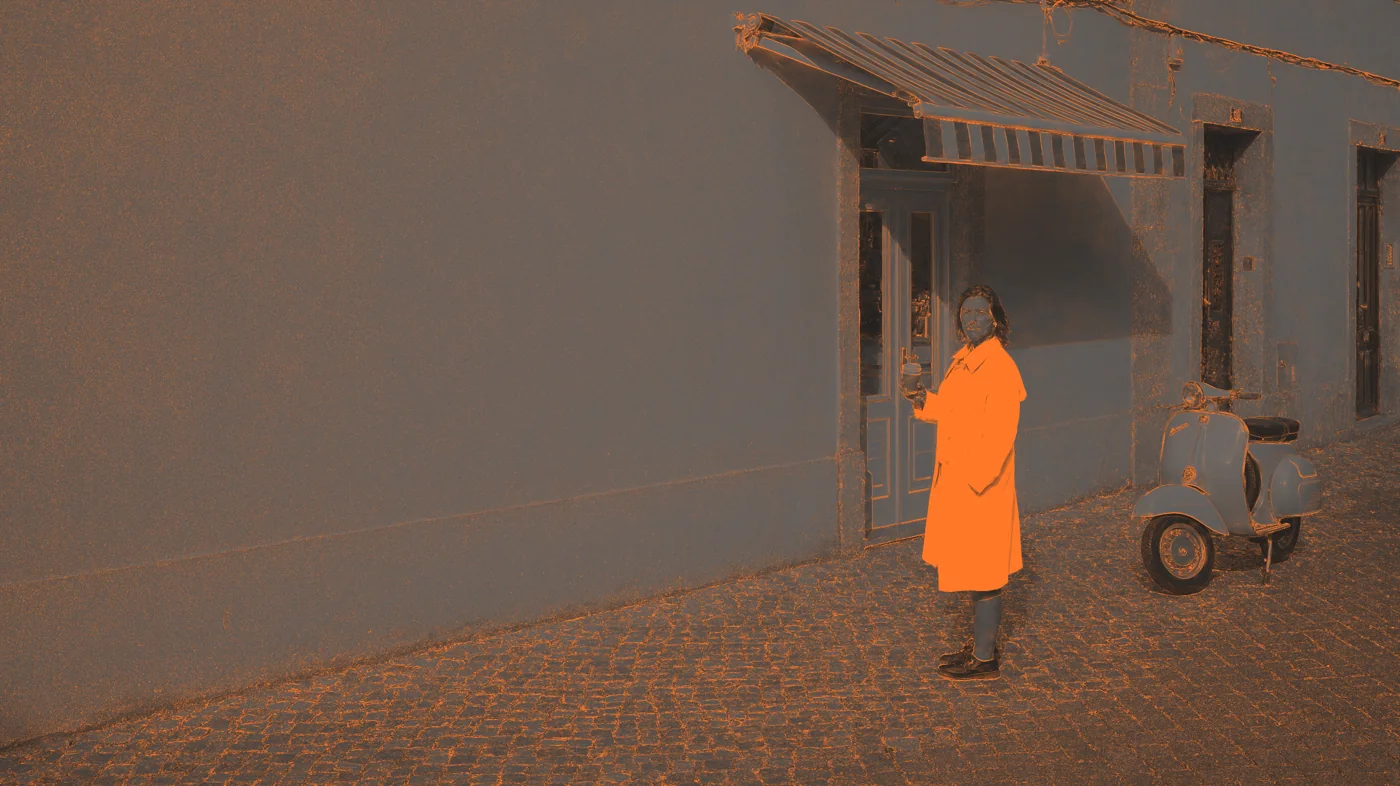
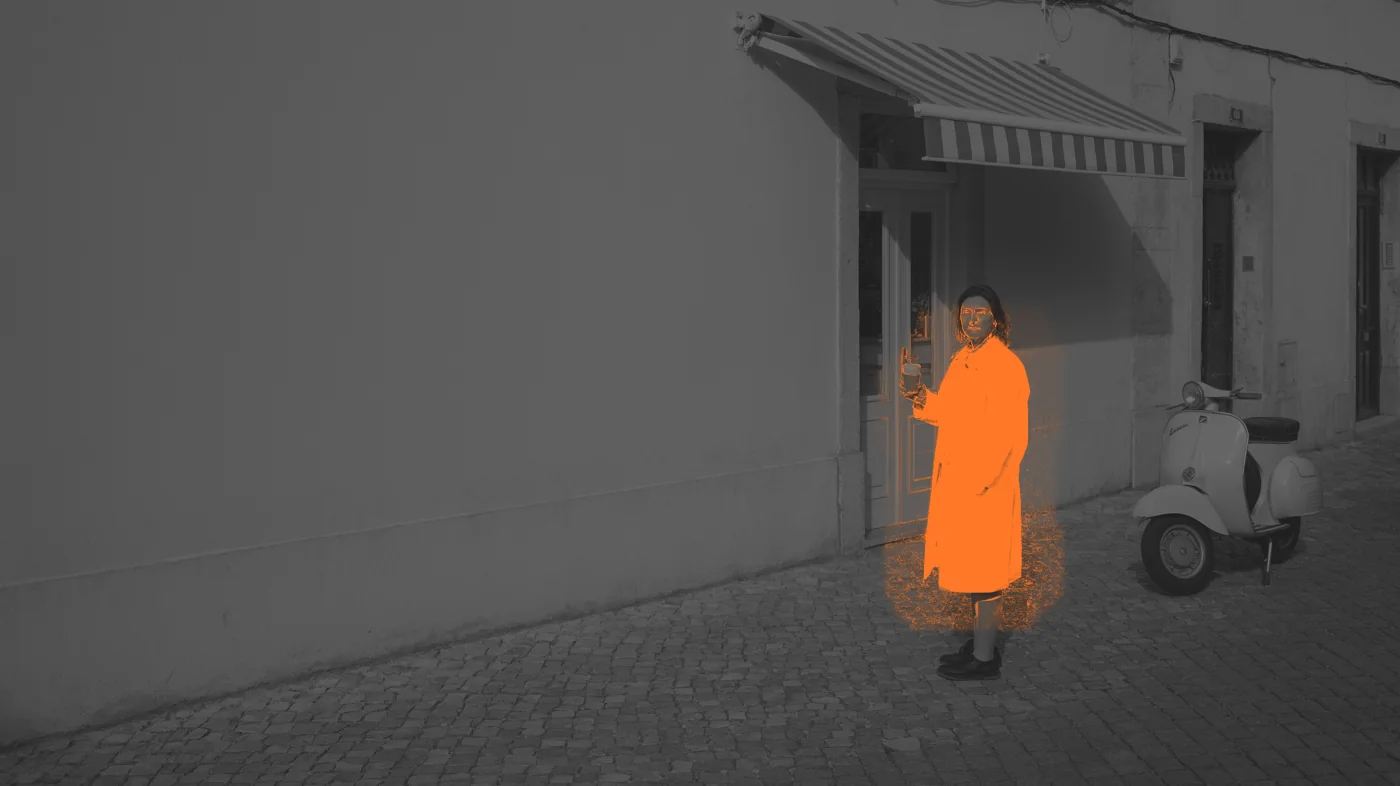
“Change only her coat to cobalt blue.” Orange marks every pixel each model changed. Drag to compare.
🍌Nano Banana Pro GPT Image 2.5
Krea 3 precision*
🍌Nano Banana Pro precision*
*Precision is the share of pixels outside the edit area left unchanged. One attempt per model, 2K, same image and prompt; Krea 3 in Precise mode. Outputs are compared at quarter resolution after the best alignment, so a different output size does not count as a change.
Krea 3 is Krea's new image editing model. It is built for production: product-consistent scene changes, object removal and variants at volume.
Is Krea 3 just a smaller model?
No. Krea 3 is a new model trained for editing. It is not a distilled copy of a larger model. It spends its compute on the region you change, not on the whole image.
How is Krea 3 so fast and inexpensive?
Most edits change a small part of the image. Krea 3 finds that region first and renders only what changes.
Are these prices temporary or subsidized?
No. The launch price is the list price. We expect it to go down, not up.
What is Krea 3 good at?
Best at product scene changes, object removal and photo cleanup.
Can I self-host Krea 3?
Yes, on enterprise plans. Krea 3 runs on your own GPUs in your cloud. Talk to us about license terms and hardware sizing.
How do I test it on my own images?
Send us one workload. We run it next to what you use today and share the outputs, acceptance rate and cost.
How do I get started?
Call Krea 3 through the Krea API, or try it in the Krea app today. For volume pricing, evaluate your workload with our team.
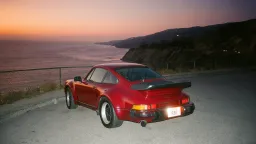
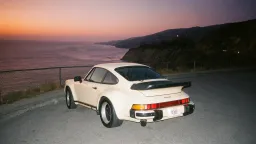
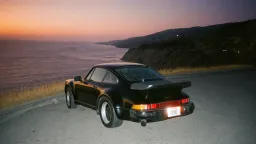
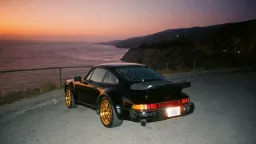 , finishes an edit in under 0 1 2 3 4 5 6 7 8 9 0.0 1 2 3 4 5 6 7 8 9 0 s 8s, and costs$0.135$0.06 per image.
 fal
fal Baseten
 Comfy
Comfy Luminal
 Together AI Envato
 Creative Fabrica
 Oxen
Oxen Civitai
 RouterPlus
 Mito AI
 Flora
Flora Eachlabs
 1 1 Glass mug 2 2 Ceramic mug 3 3 Tin 01 4 4 Tin 02 5 5 Change to a copper dripper
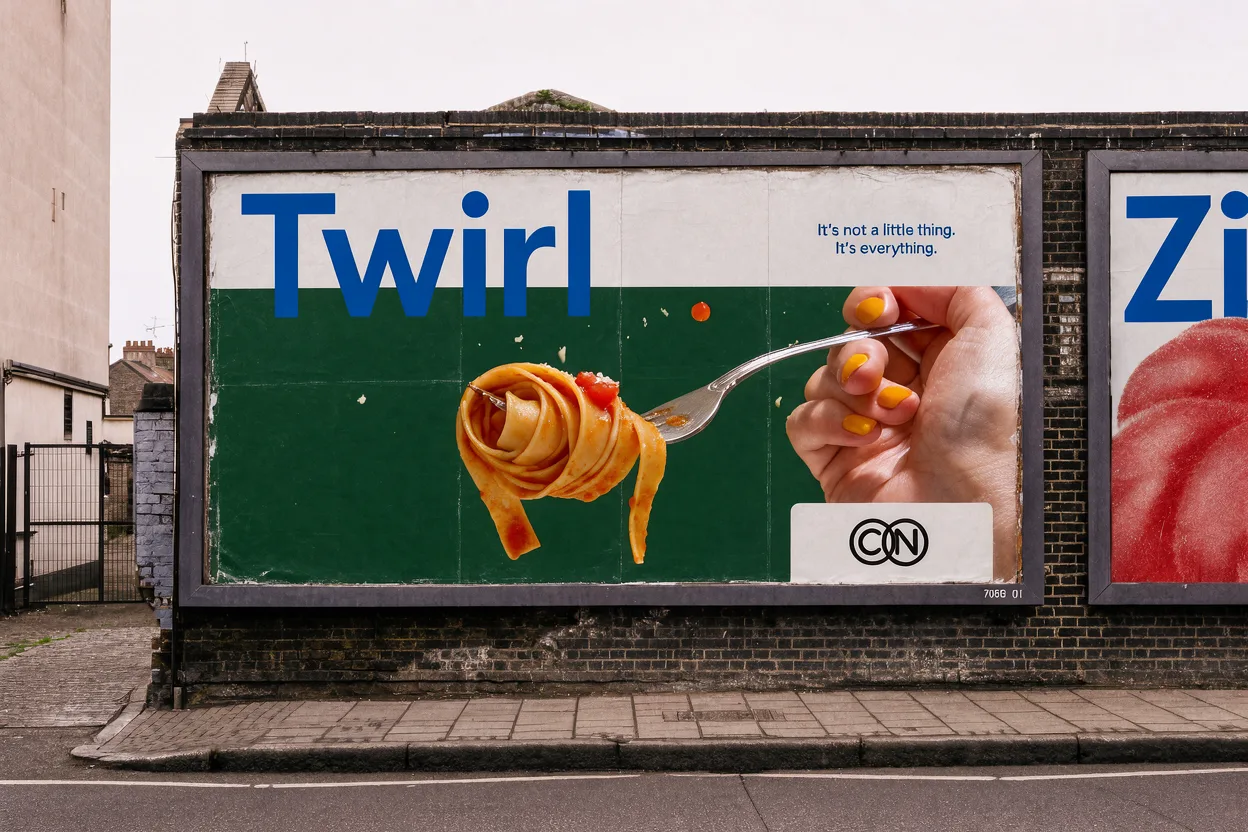 1 1 Brand 2 2 Change the pasta to a banana 3 3 Logo
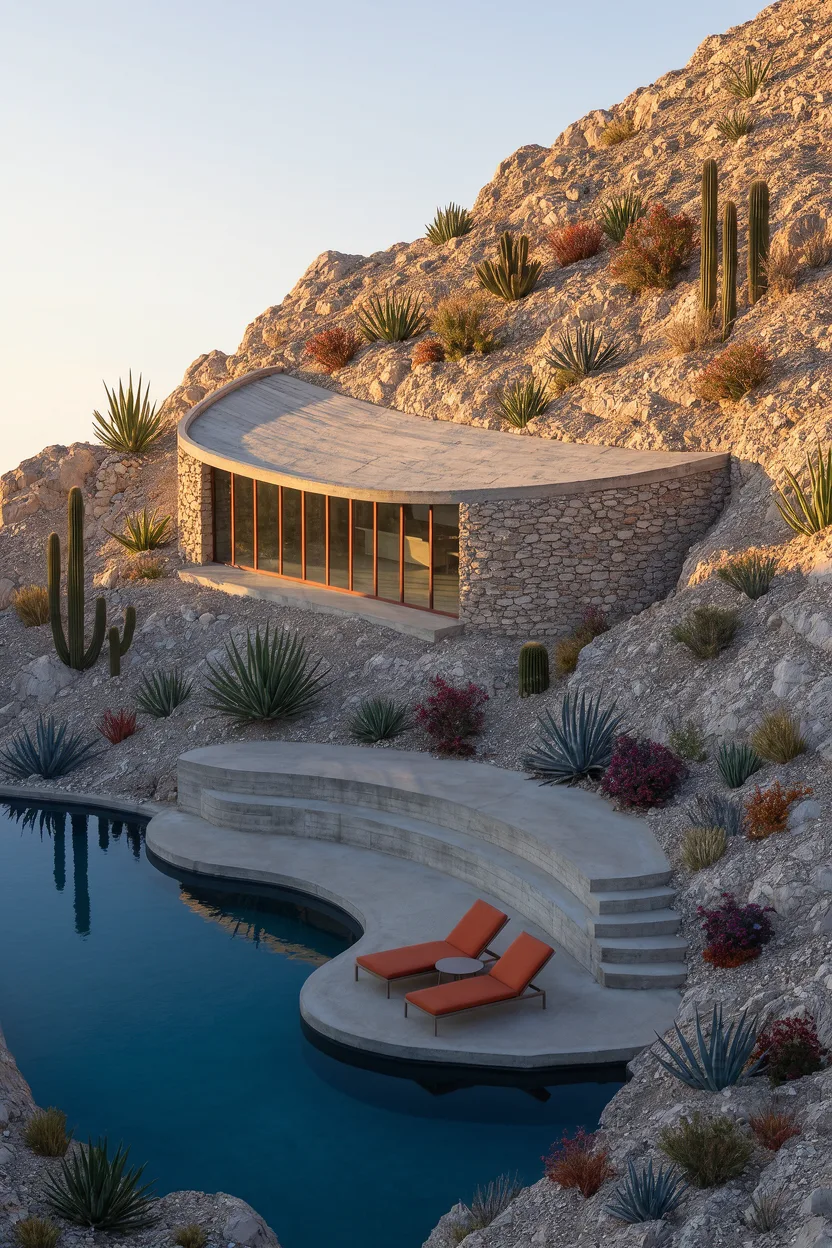 1 1 Pavilion 2 2 Make the pool pink 3 3 Terrace
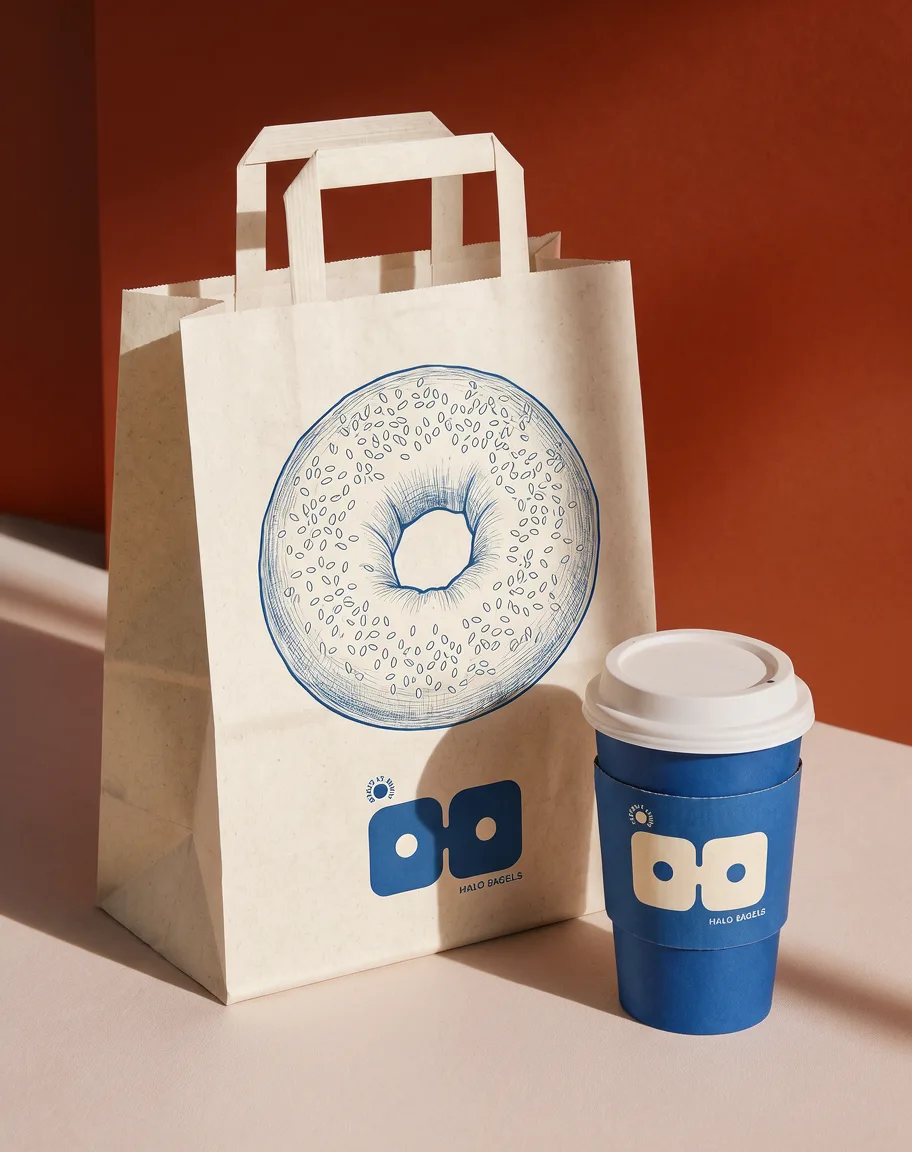 1 1 Paper bag 2 2 Make the cup cherry red
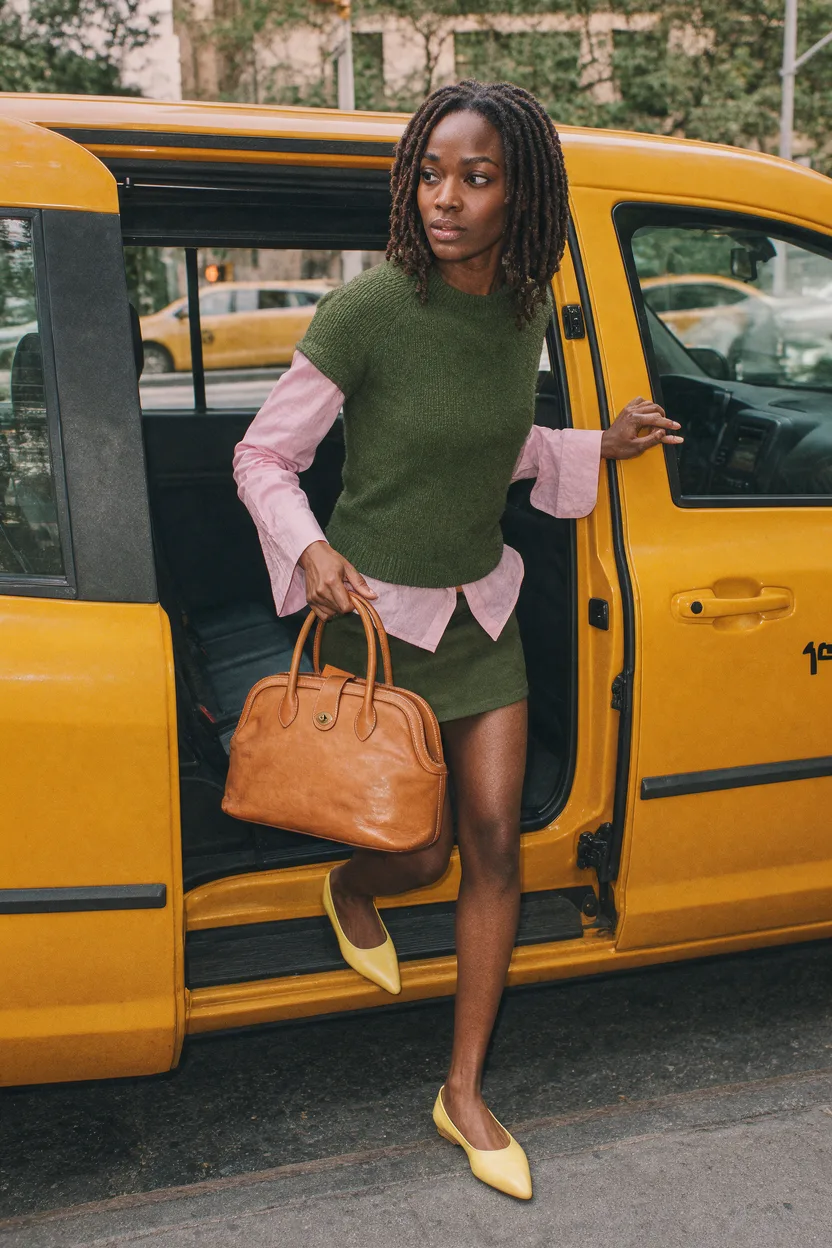 1 1 Make the bag cobalt blue 2 2 Yellow heels
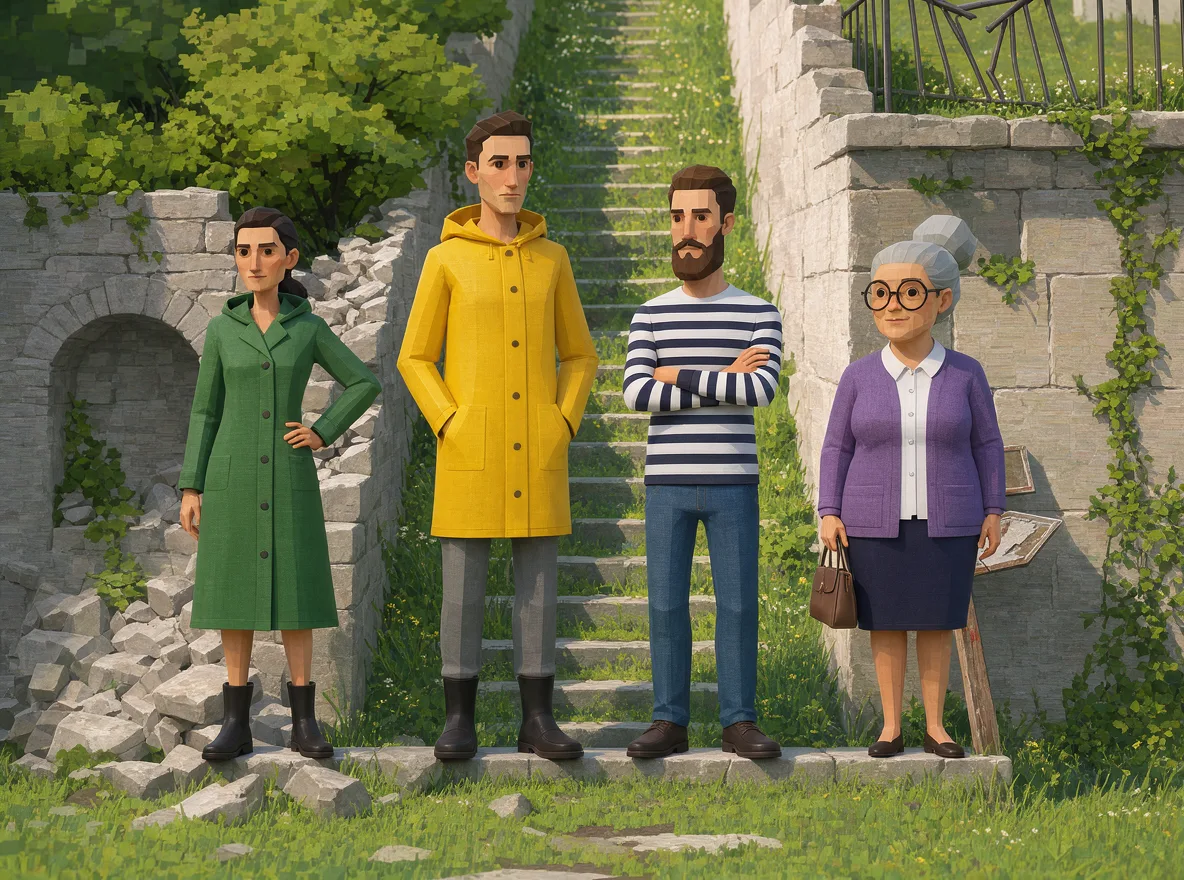 1 1 Character 01 2 2 Make the raincoat pink 3 3 Character 03 4 4 Character 04
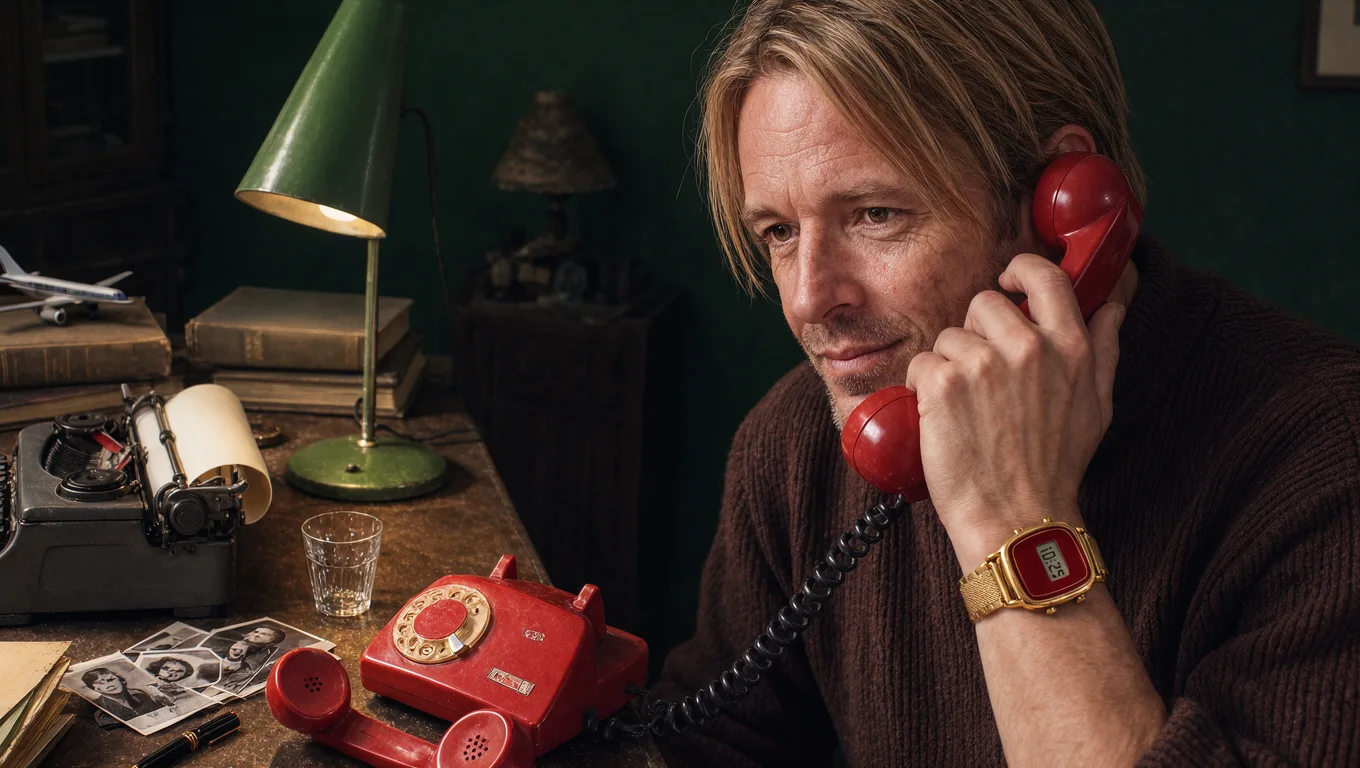 1 1 Red receiver 2 2 Change to a silver watch 3 3 Rotary phone
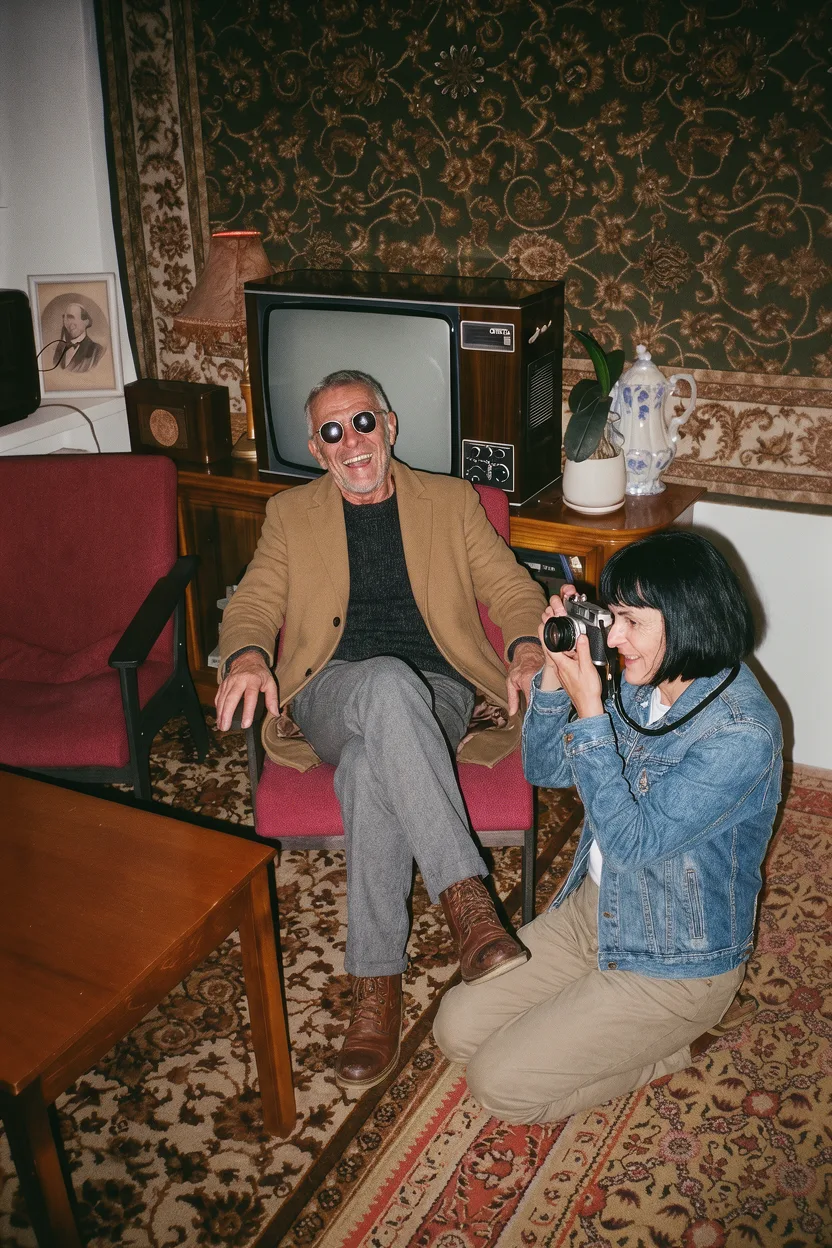 1 1 Portrait 01 2 2 Portrait 02 3 3 Make the camera red
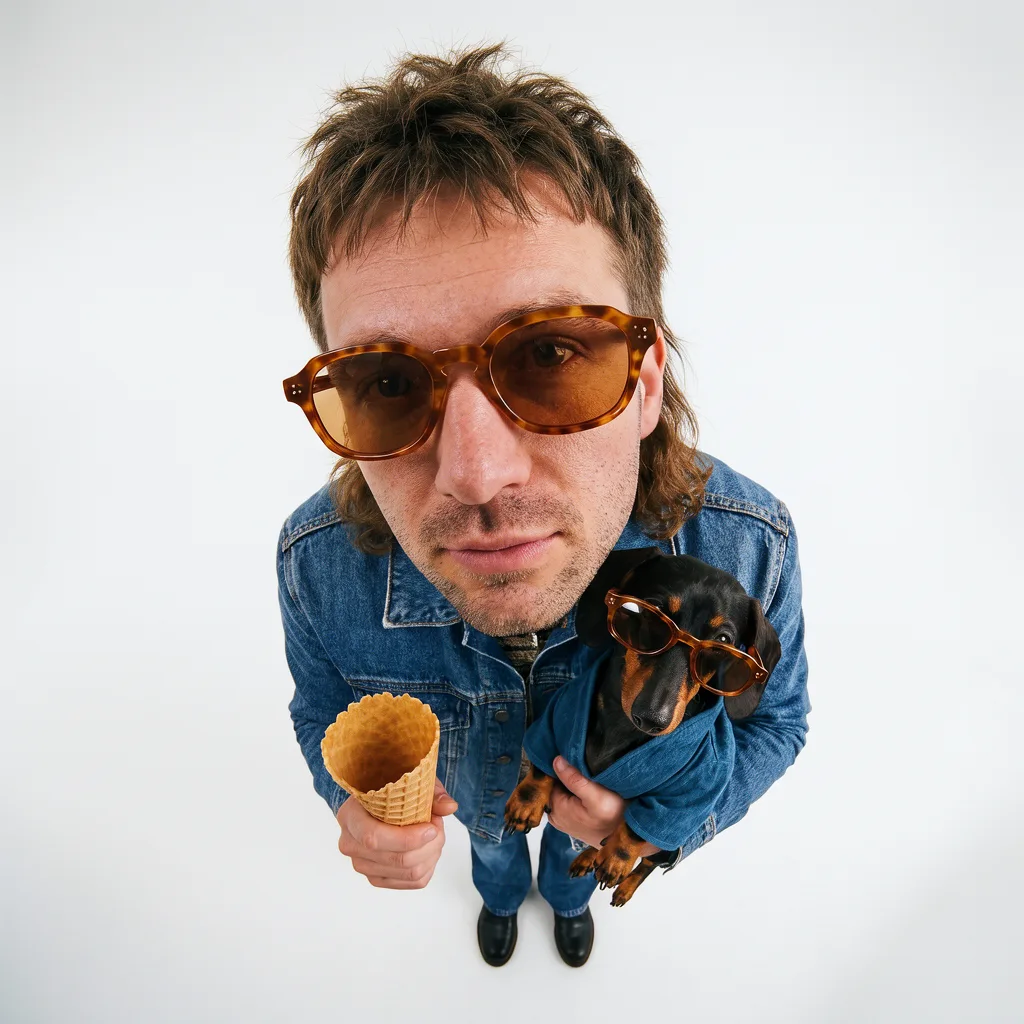 1 1 Sunglasses 2 2 Dachshund 3 3 Add a strawberry scoop
 1
1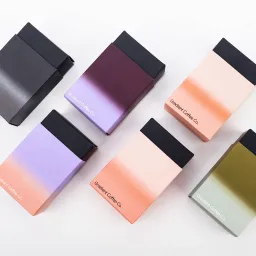 2
2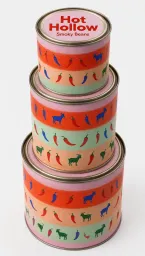 3
3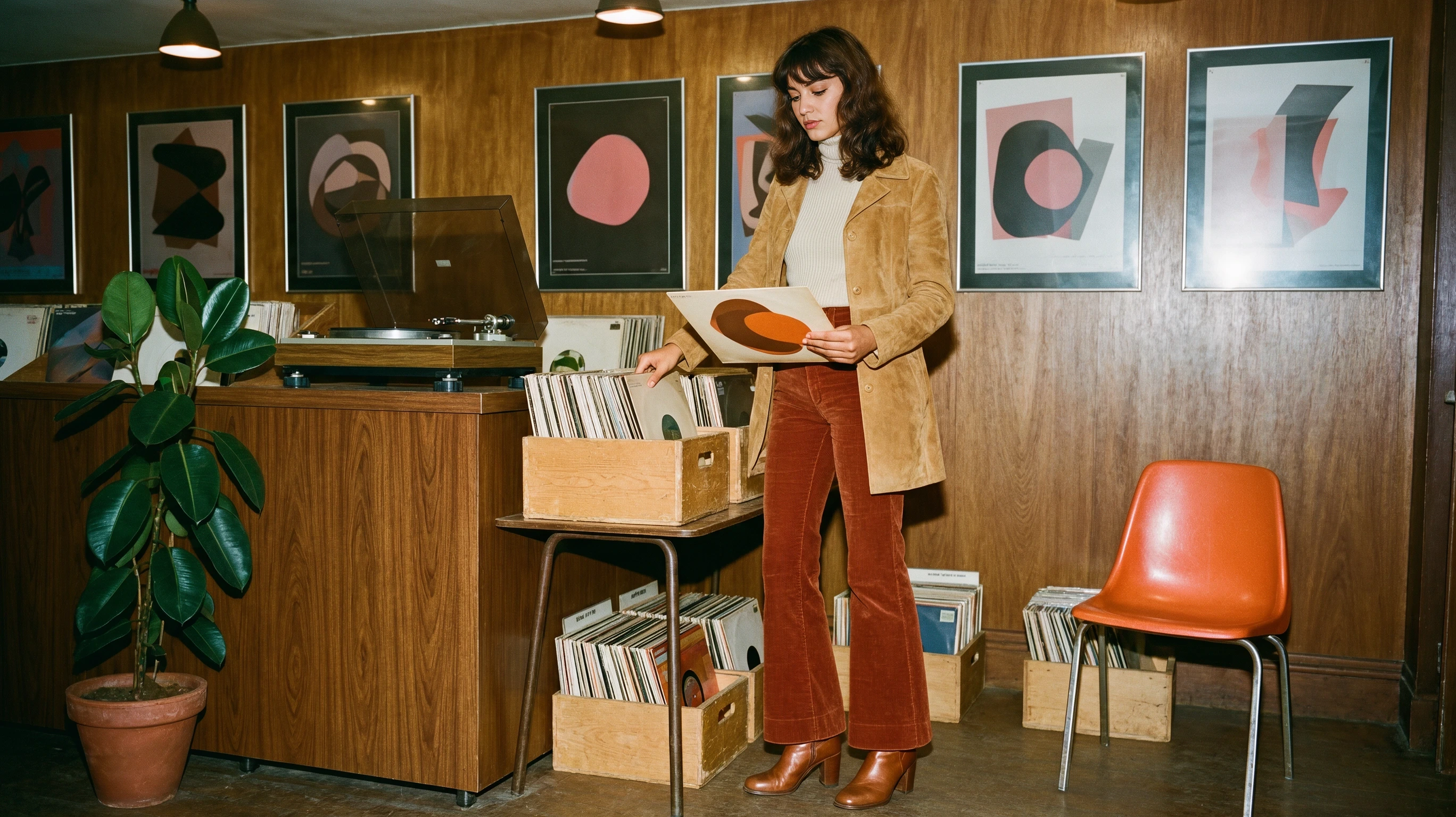
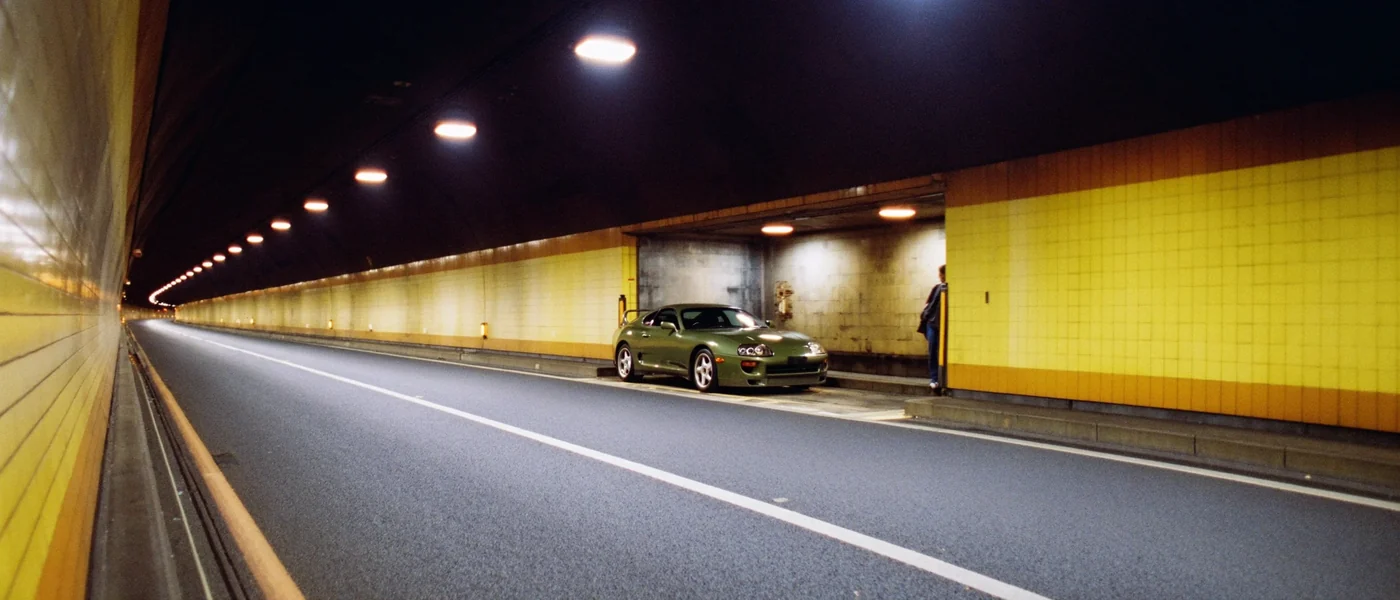
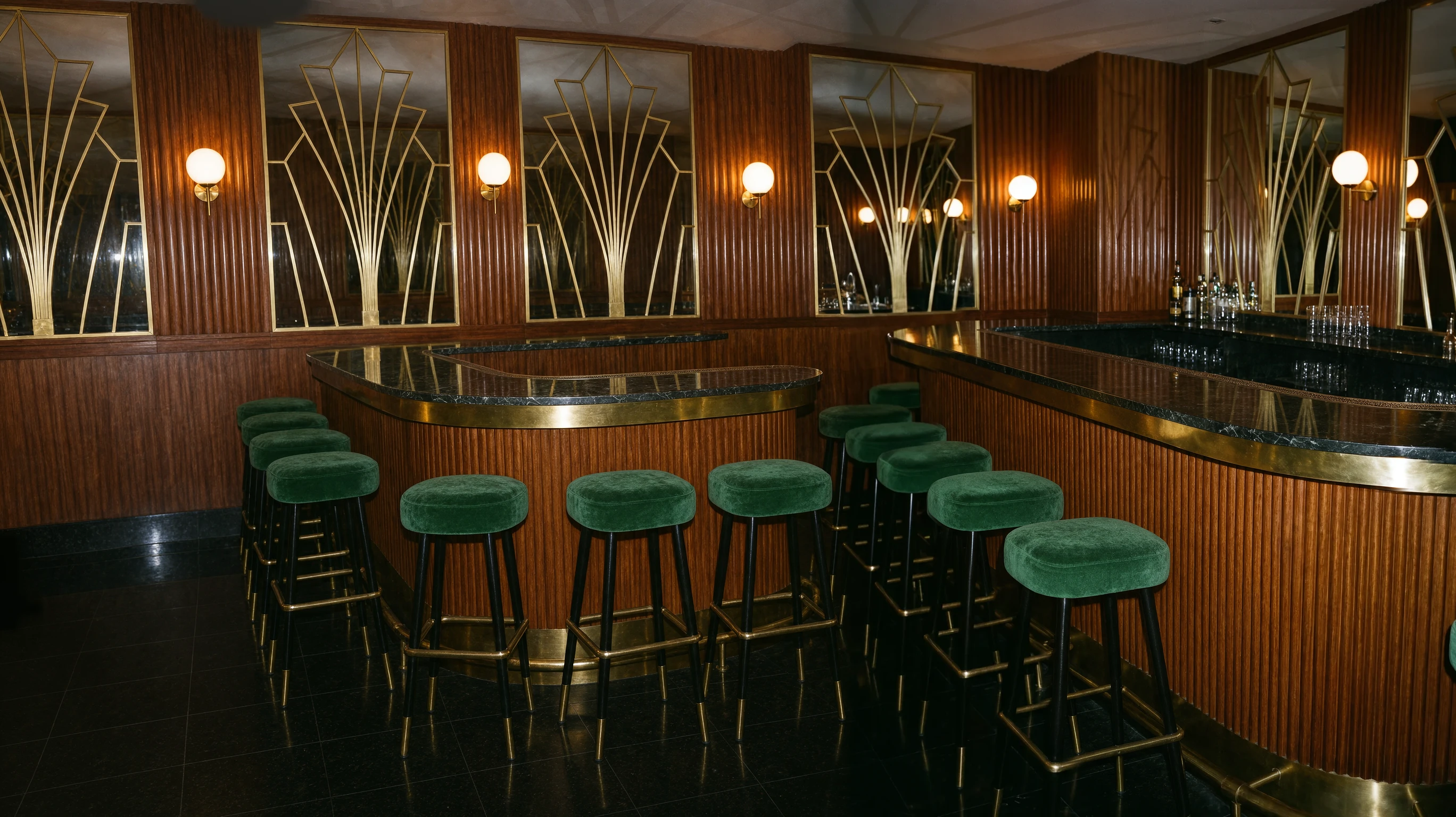
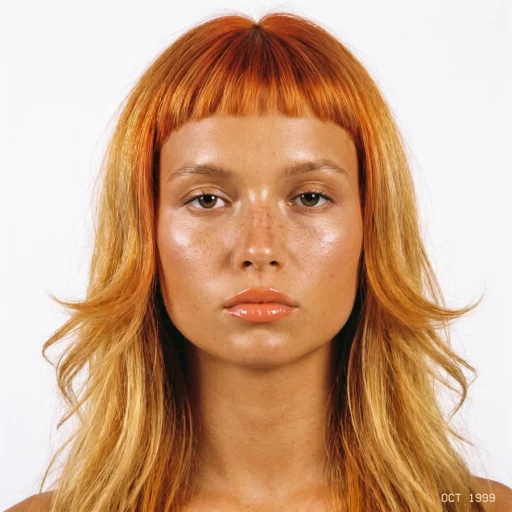 at a candlelit Art Deco bar in the knit sweater from
 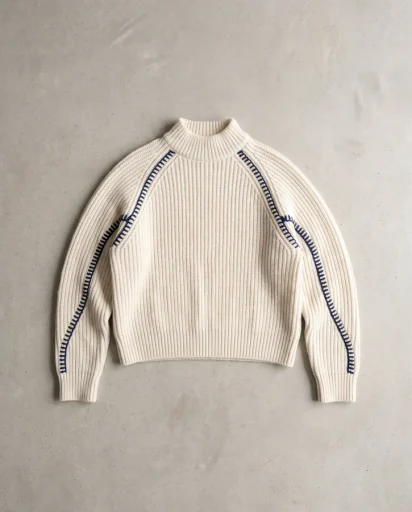 , with the silver bag from
 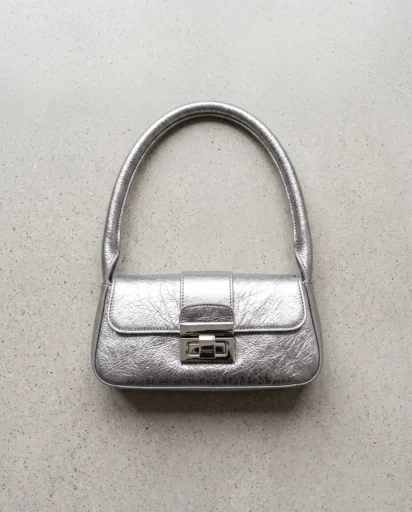 on the counter.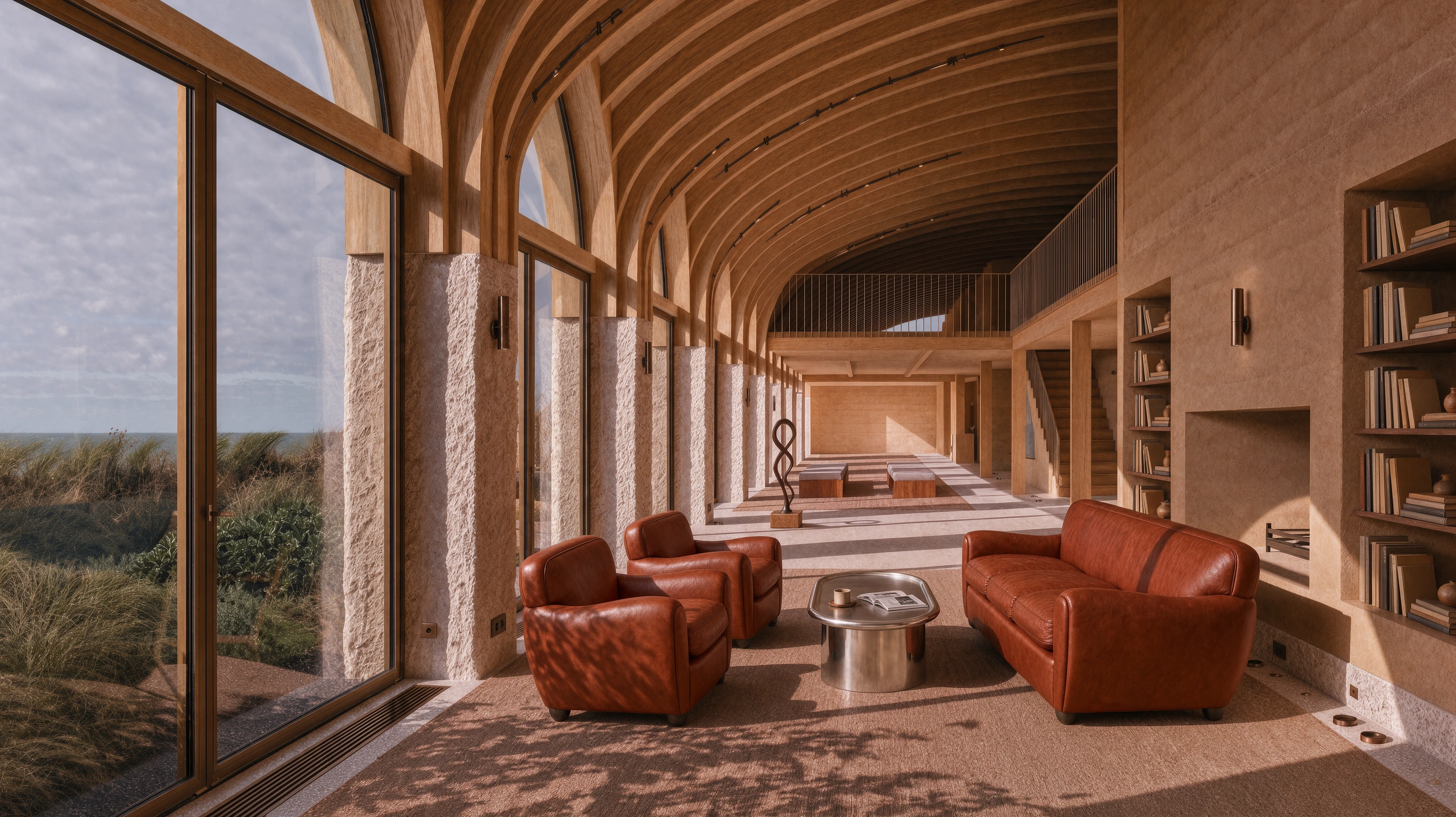
 Hold to compare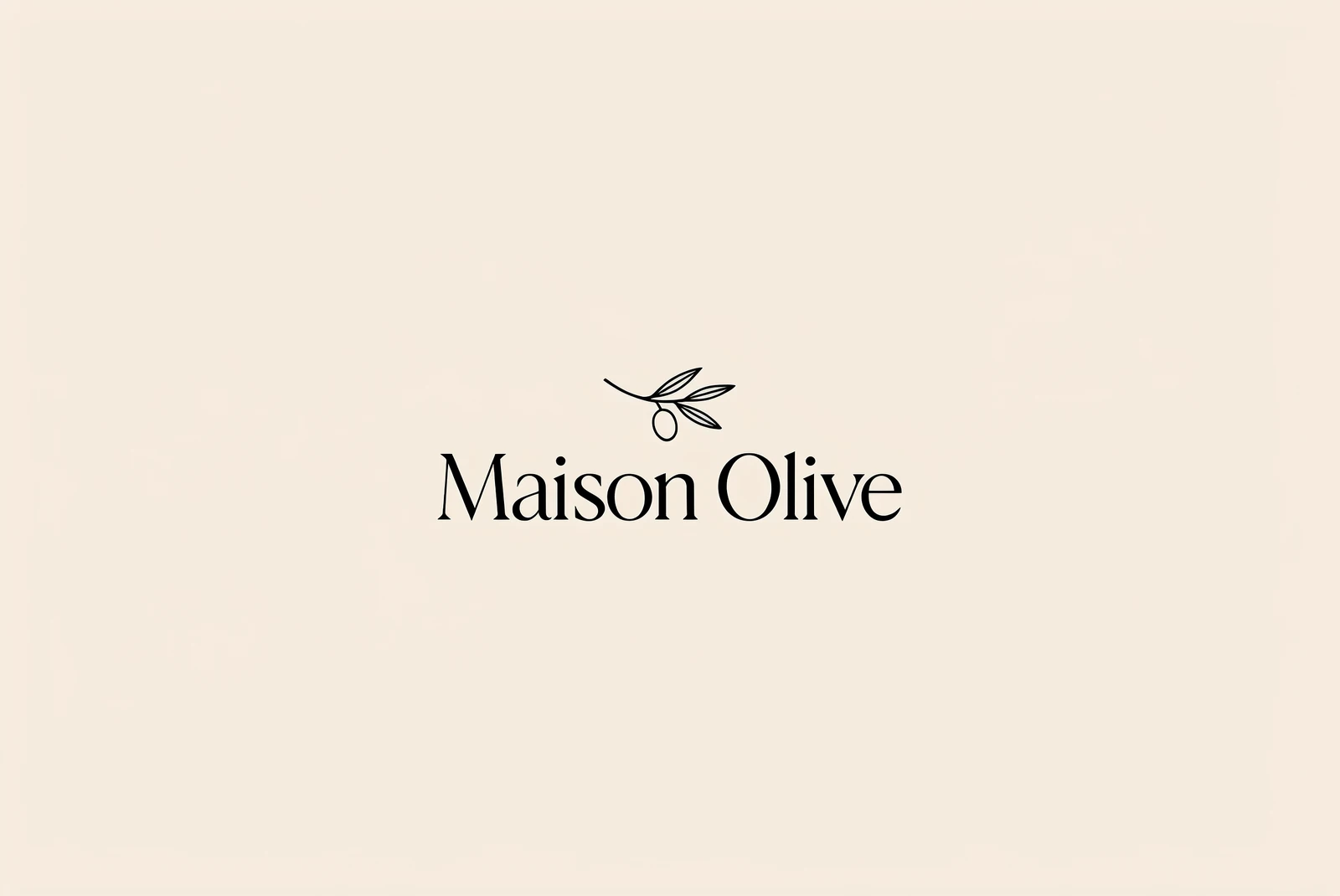
 Hold to compare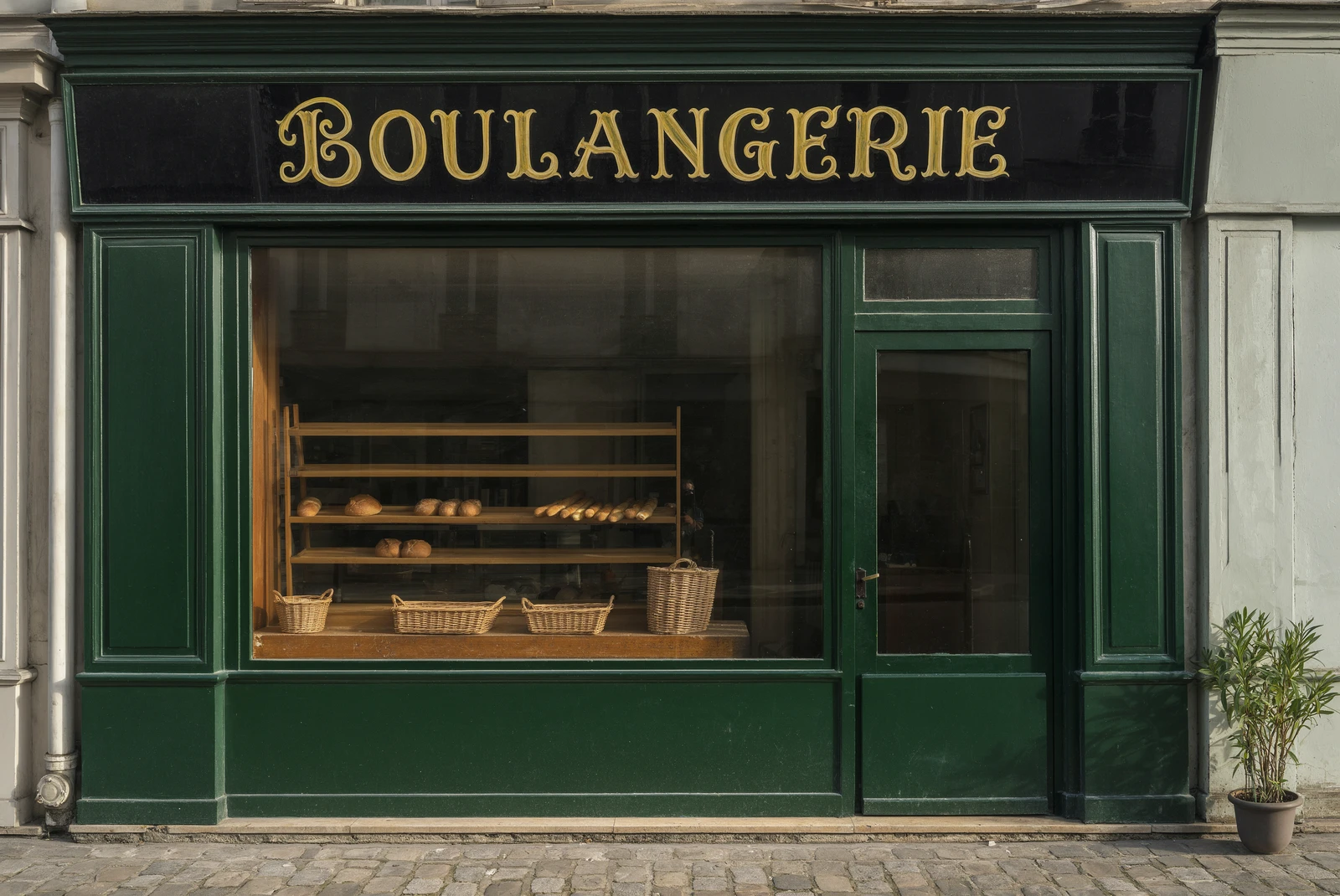
 Hold to compare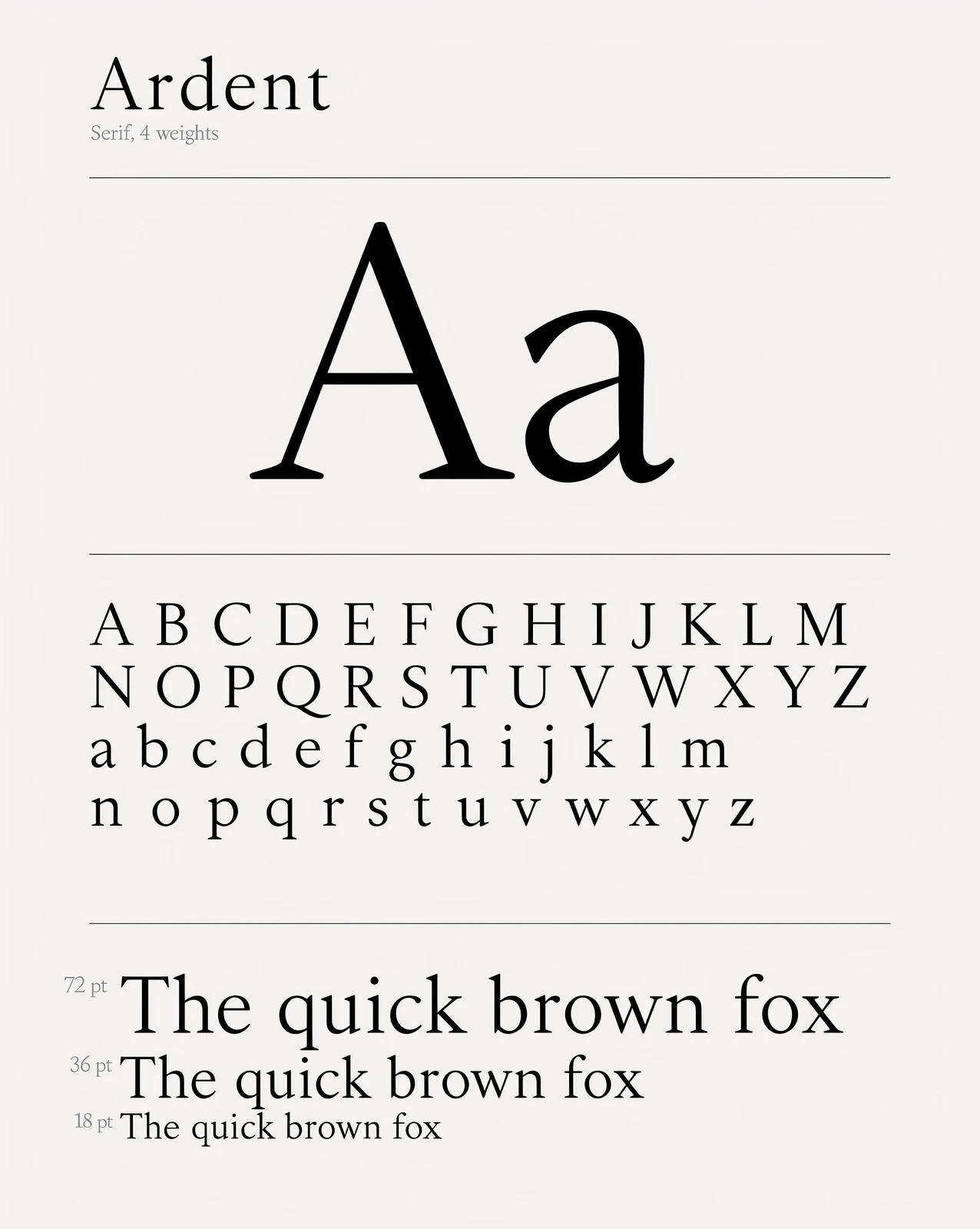
 Hold to compare
 Hold to compare
 Hold to compare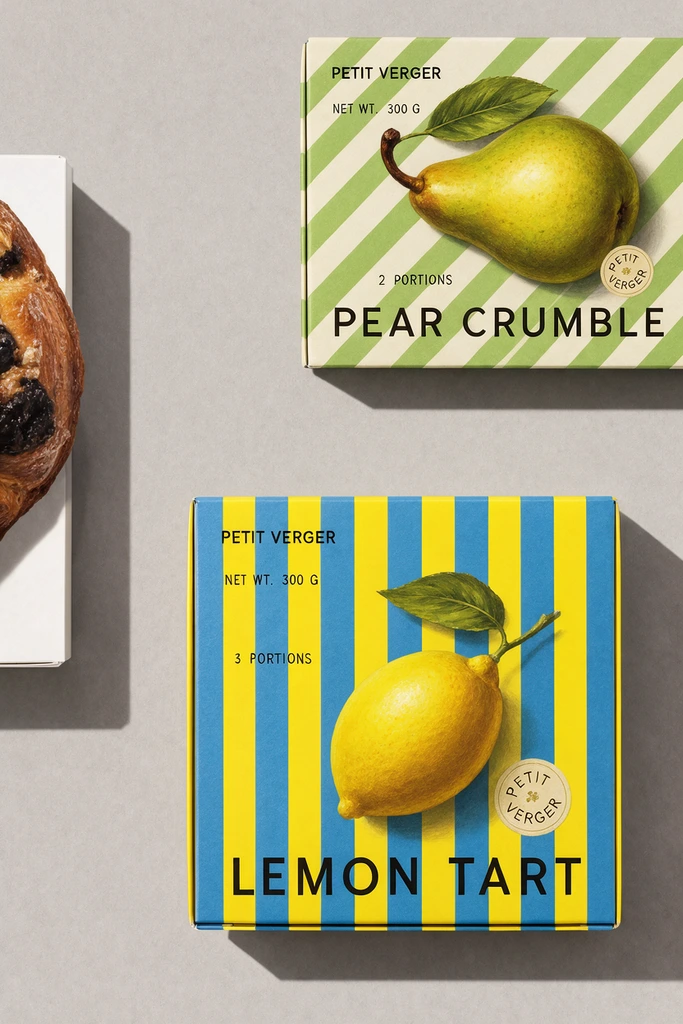
 Hold to compare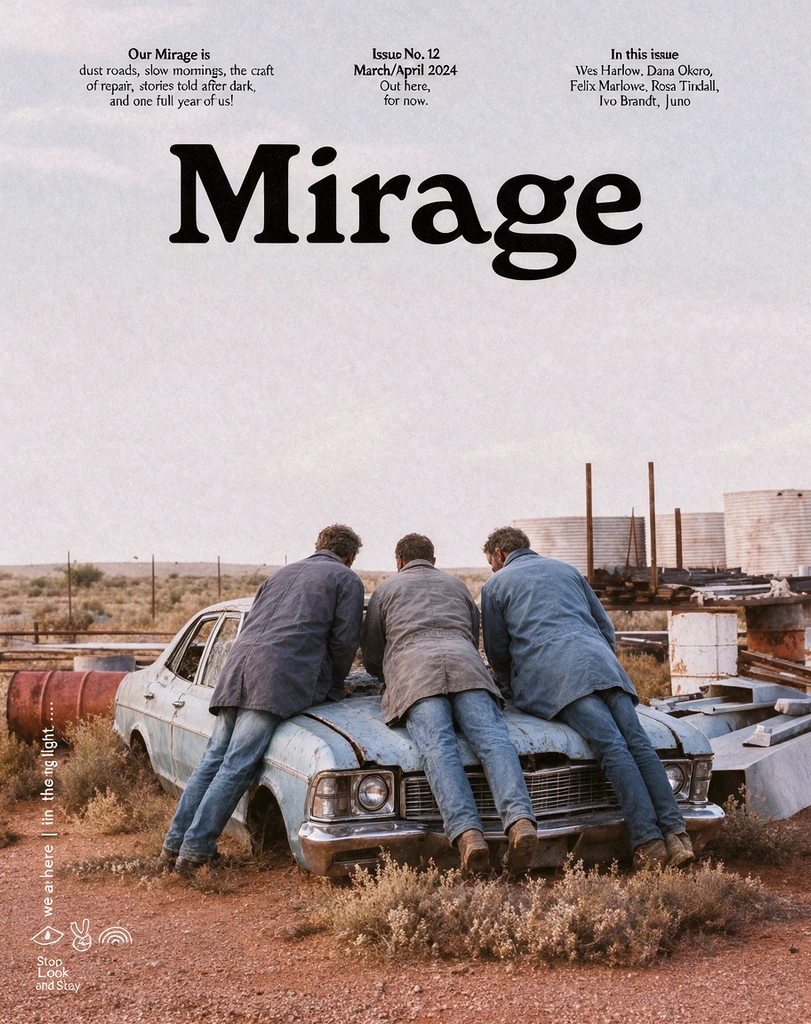
 Hold to compare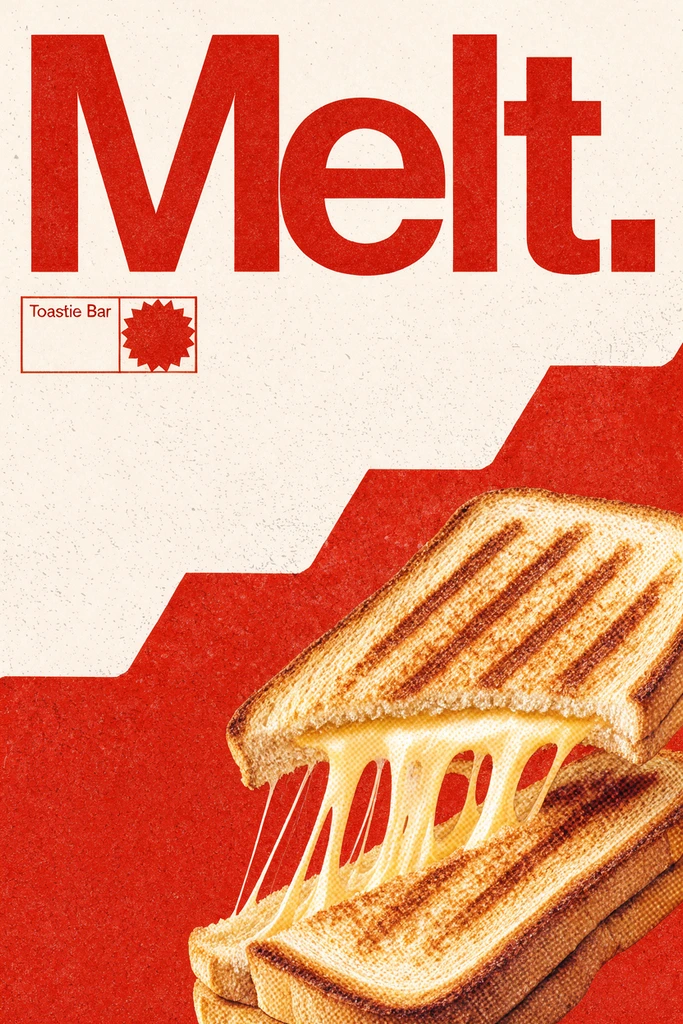
 Hold to compare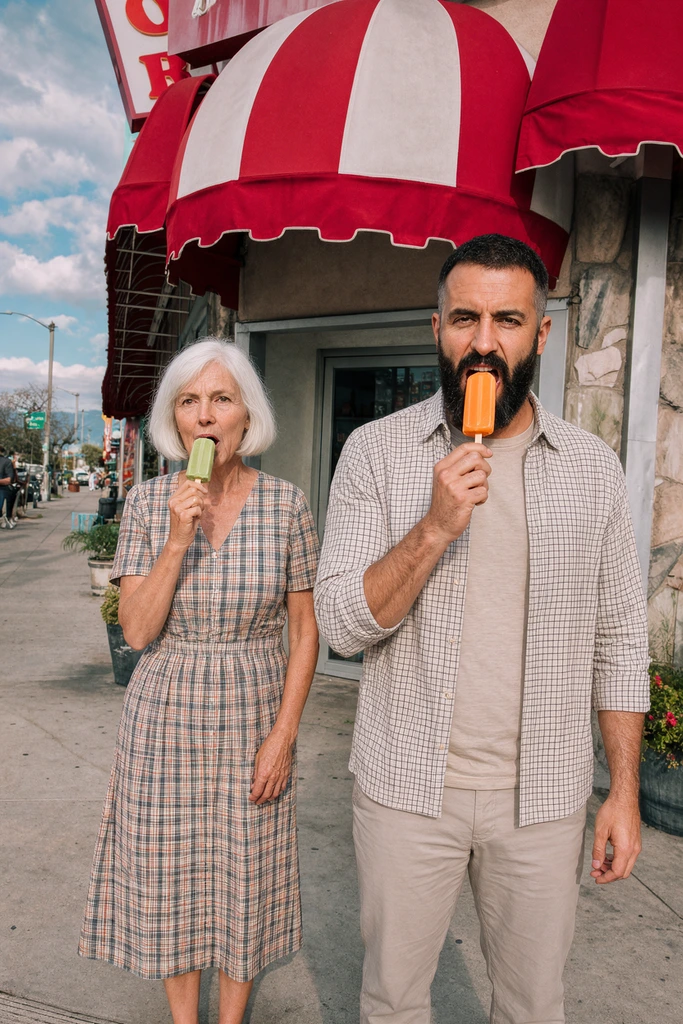
 Hold to compare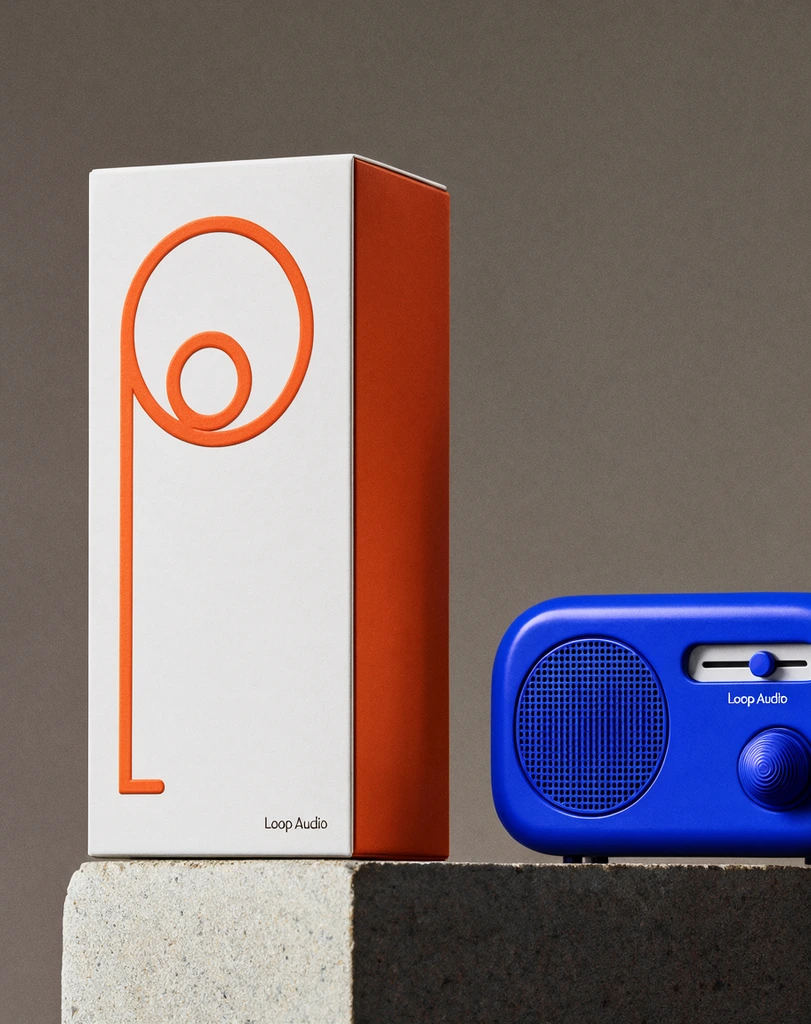
 Hold to compare
 Hold to compare
 Hold to compare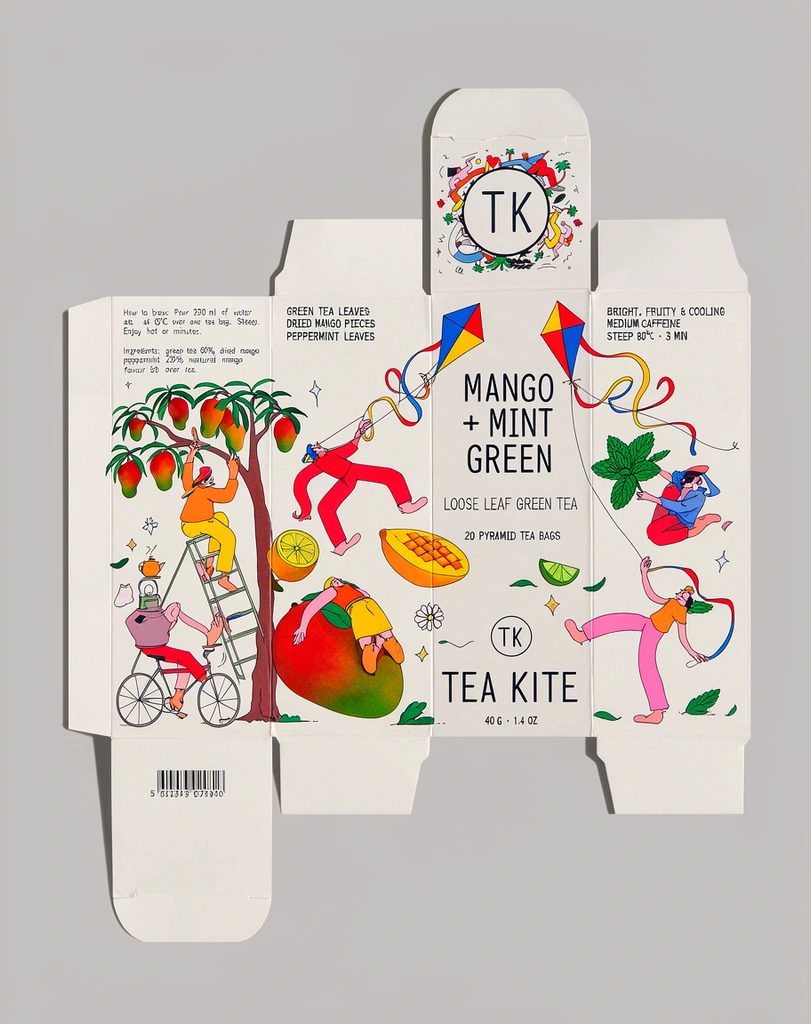
 Hold to compare
 Hold to compare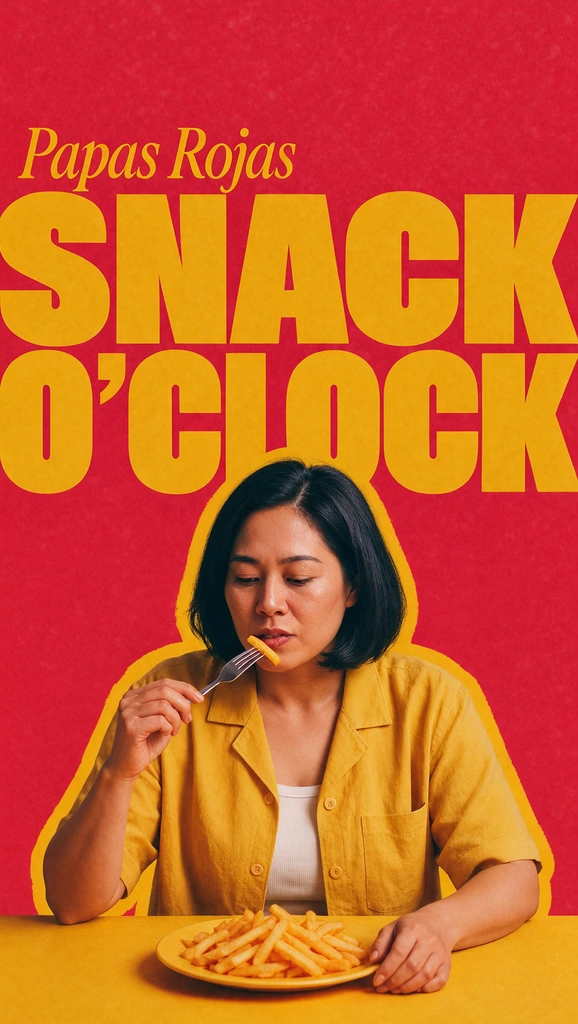
 Hold to compare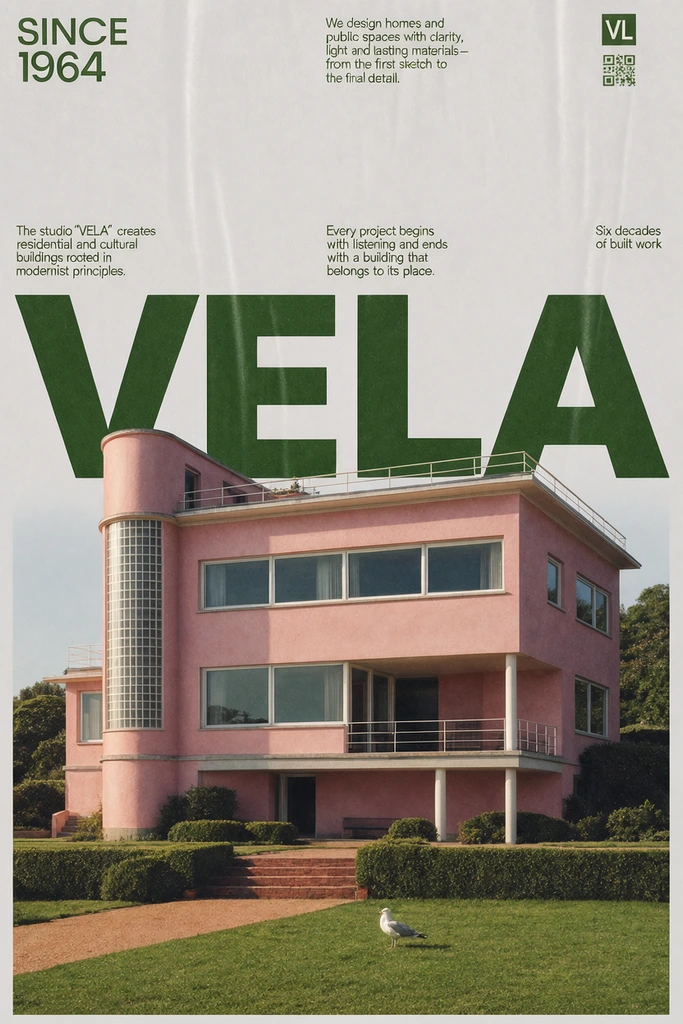
 Hold to compare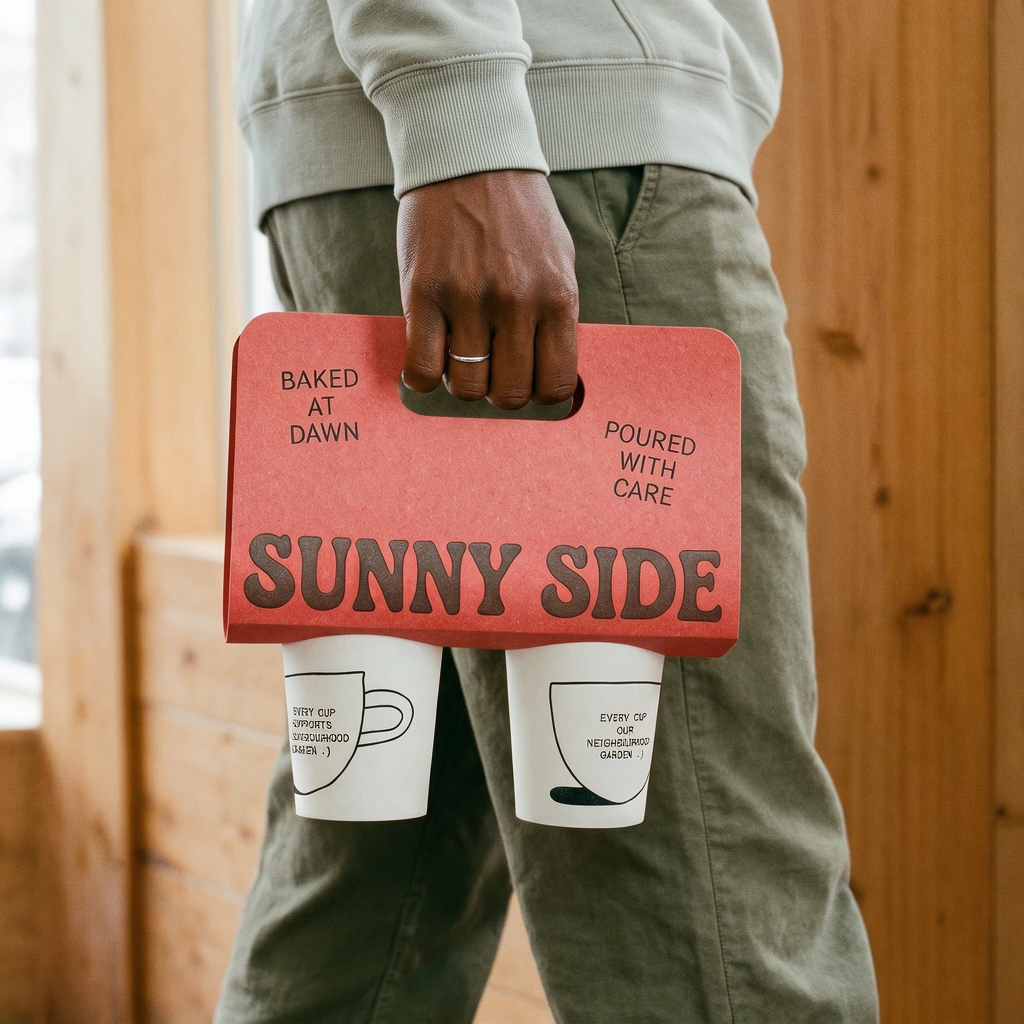
 Hold to compare
 Hold to compare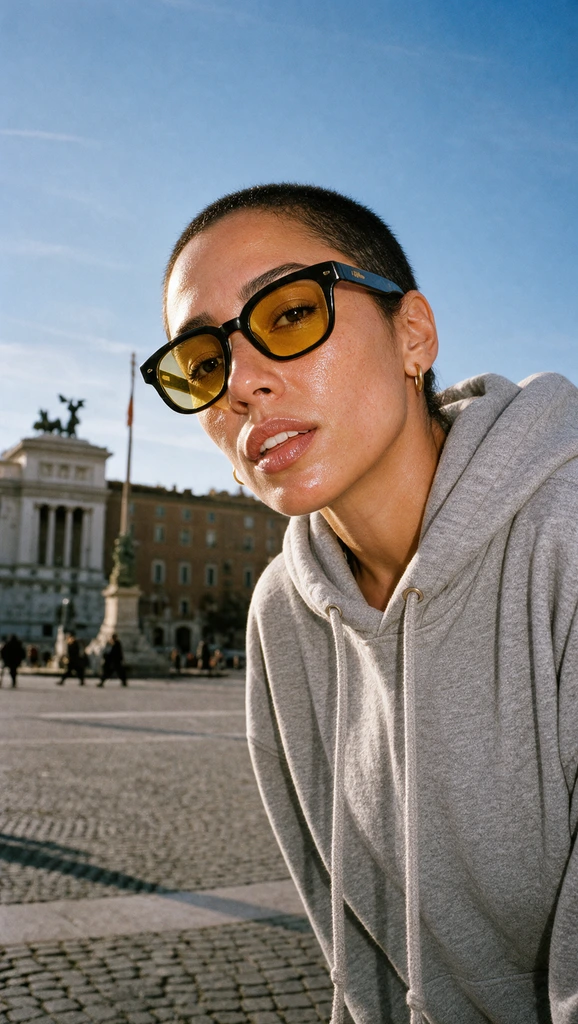
 Hold to compare
 Hold to compare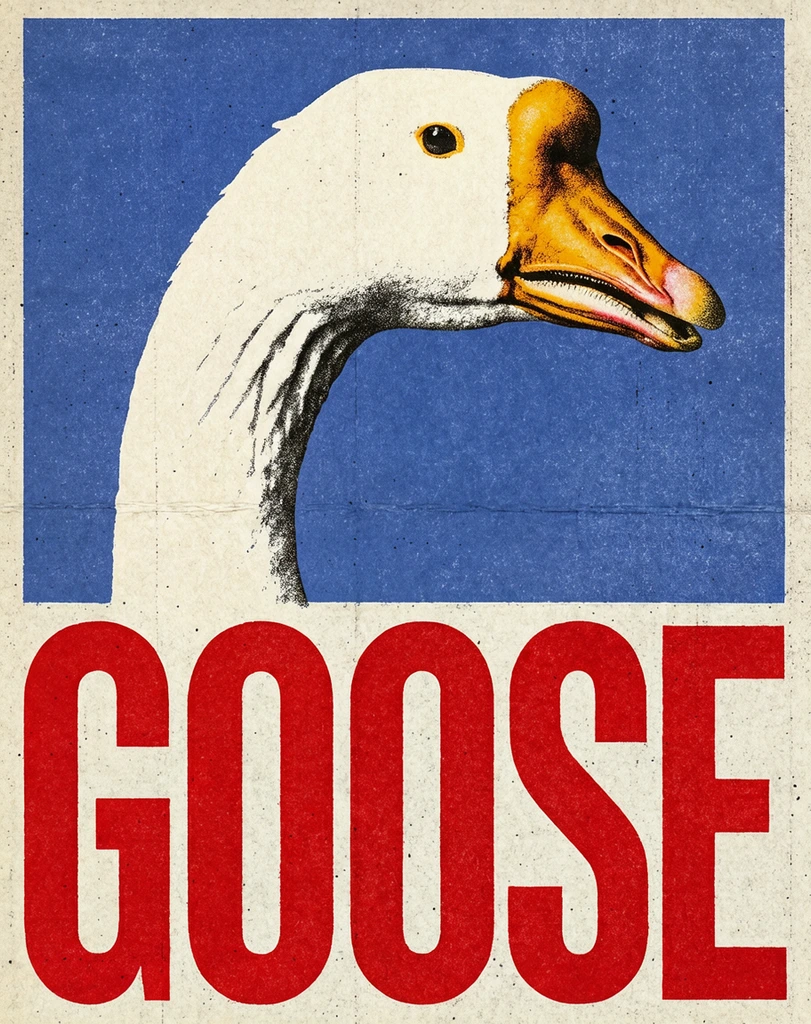
 Hold to compare
 Hold to compare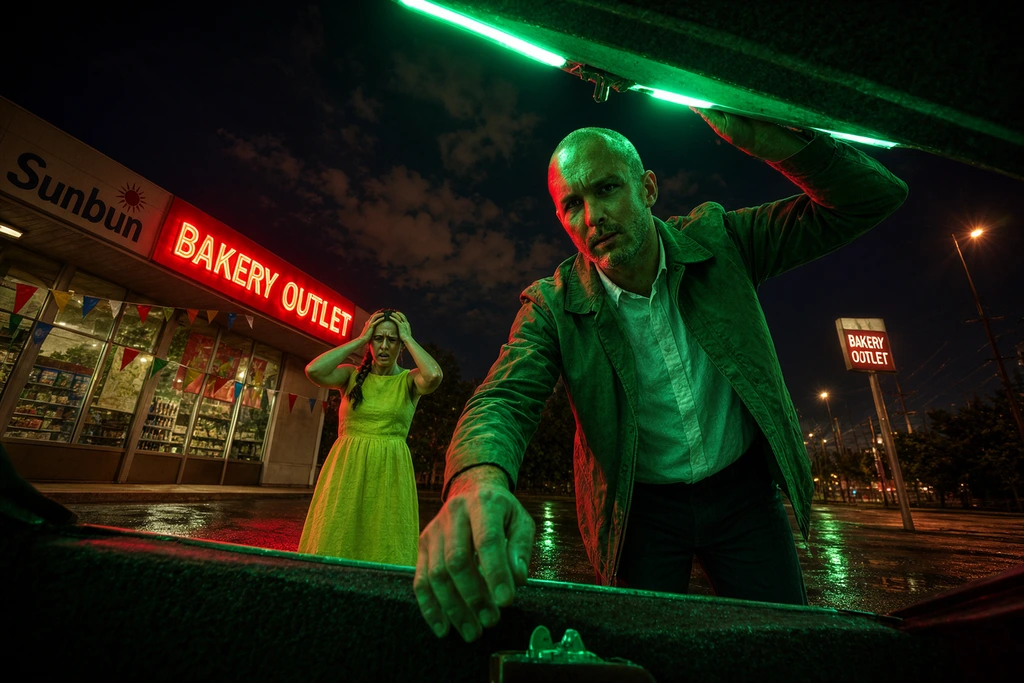
 Input Krea 3
 Krea 3
 Krea 3
 Krea 3
 Krea 3
 Krea 3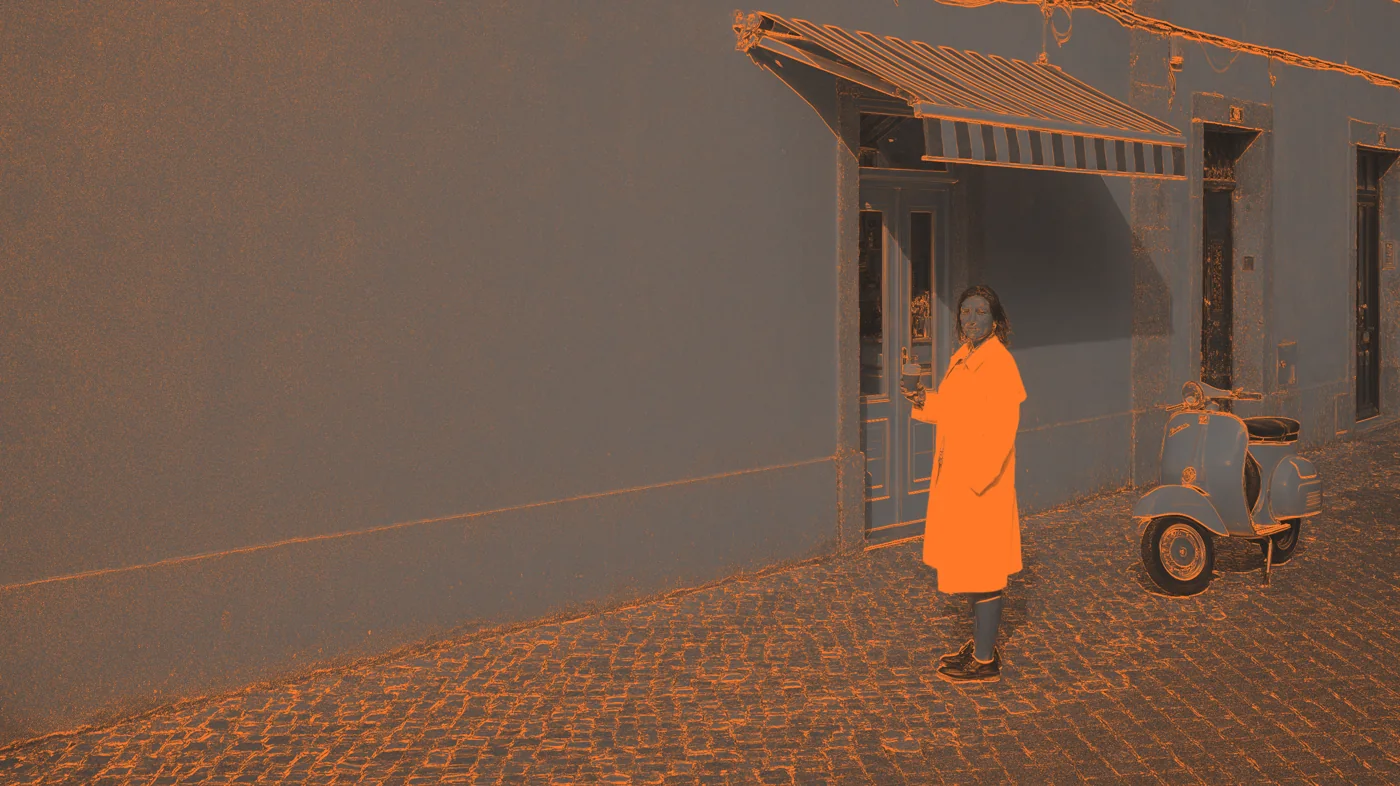
 Figma
Figma Photoshop
 After Effects
 Premiere Pro
 DaVinci Resolve
 Blender
 ChatGPT