GitHub is having trouble counting things
A developer documents two GitHub UI bugs: inflated pull request counts after merges and a broken pagination popup for organization memberships.
A developer describes two UI defects noticed on GitHub over the past week: repository pull request tabs showing inflated counts, commonly after merging a PR, even though the correct count is displayed elsewhere on the page. The second bug involves the organization-membership popup, where a user with three pages of memberships could not navigate to page two because Chrome prevents editing the address bar in such popup windows, forcing a JavaScript-based navigation workaround.
- PR counts in repository tabs are overcounted, particularly after merging a pull request.
- Organization membership popup pagination is broken; Chrome blocks address-bar edits in popups.
- Author worked around it via JavaScript navigation and asks for insight into the cause.
Full article143 words · extracted from chuckgreenman.com · click to collapse
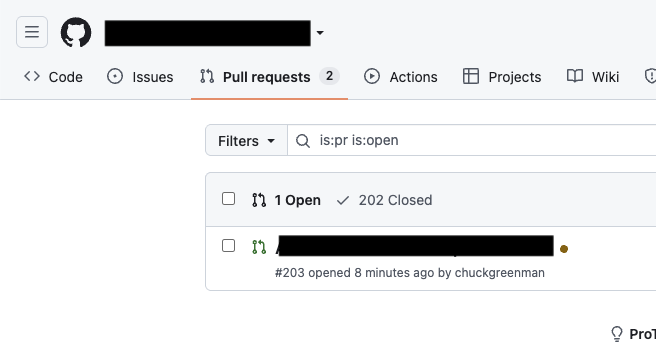
In the past week, I’ve noticed two pretty severe UI bugs in GitHub. The first is an overcounting of PRs in the tab on a repository, this is particularly common after you merge a PR, but it’s not the only trigger of this behavior. To add insult to injury, the right count is even right there on this page.
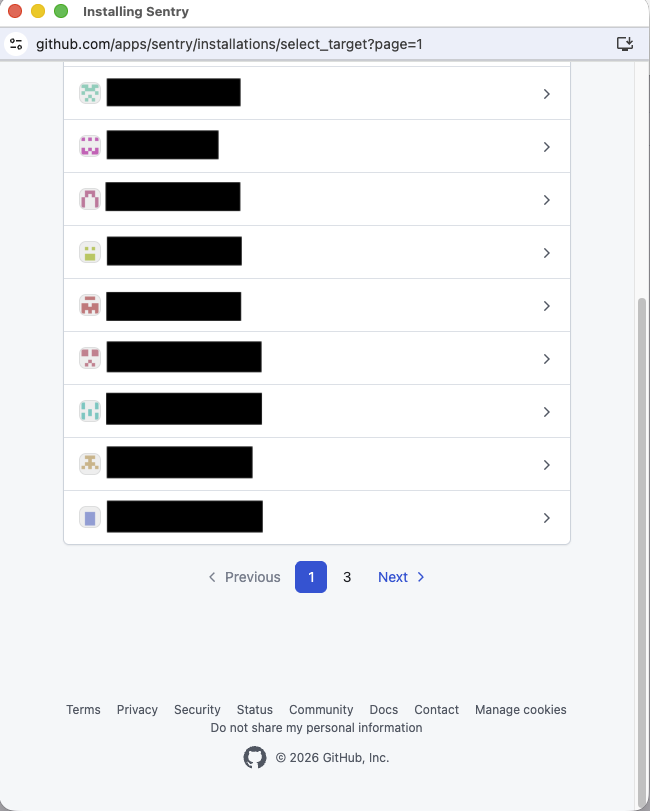
The second occurred while I was trying to set up Sentry. I’ve been using GitHub for 11 years now, so I have collected three pages of org memberships. Unfortunately for me, the project I’m setting up Sentry for is on the second page.
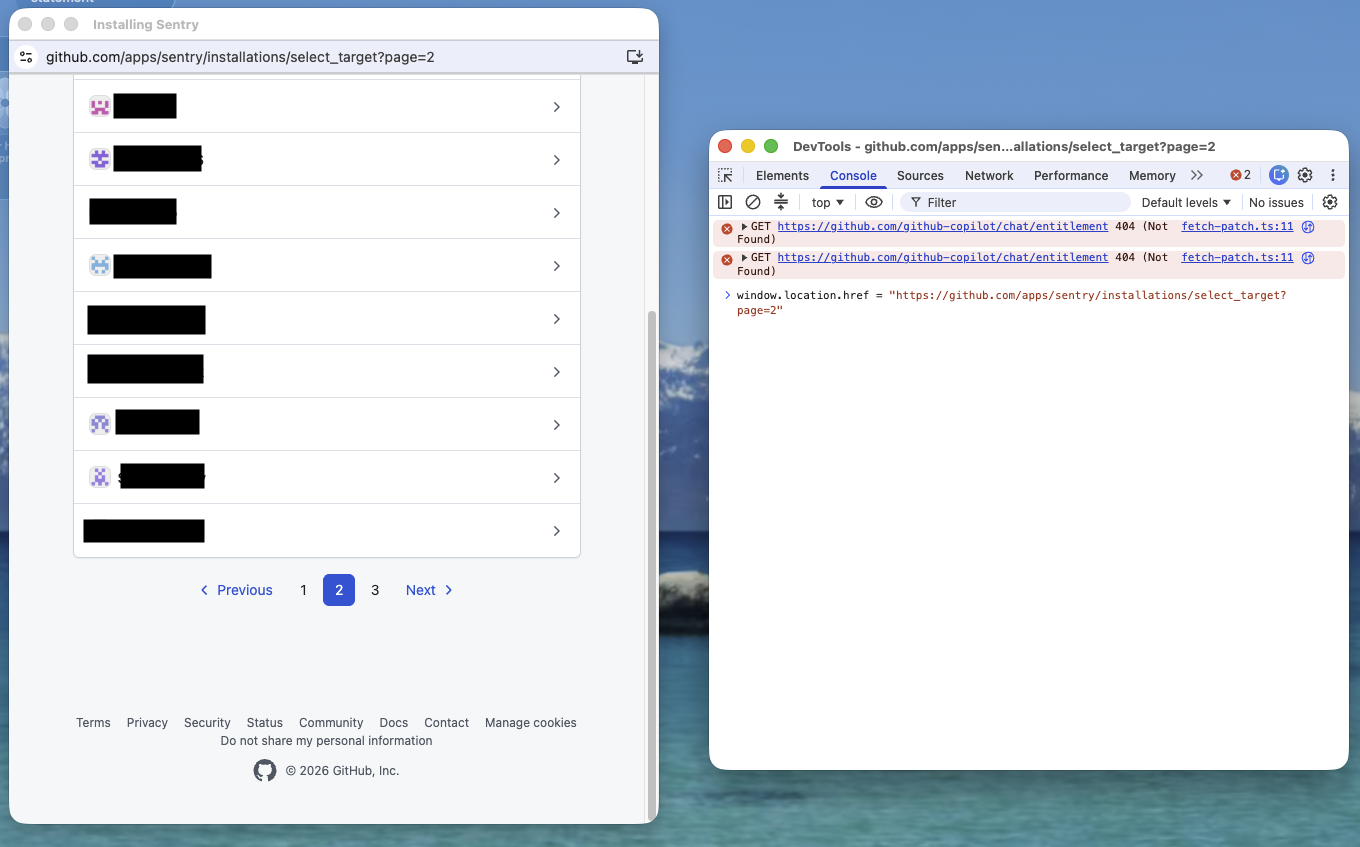
For some reason, Chrome doesn’t let you modify the address in the bar for these pop-up windows. Luckily, you can force navigate using JavaScript.
Really curious as to what’s going on over there, if you’ve got any insight let me know!
Text extracted automatically; images, tables and formatting may be missing. Original: https://chuckgreenman.com/2026/09/16/counting-at-github